BakkerElkhuizen UltraBoard 950 Bluetooth
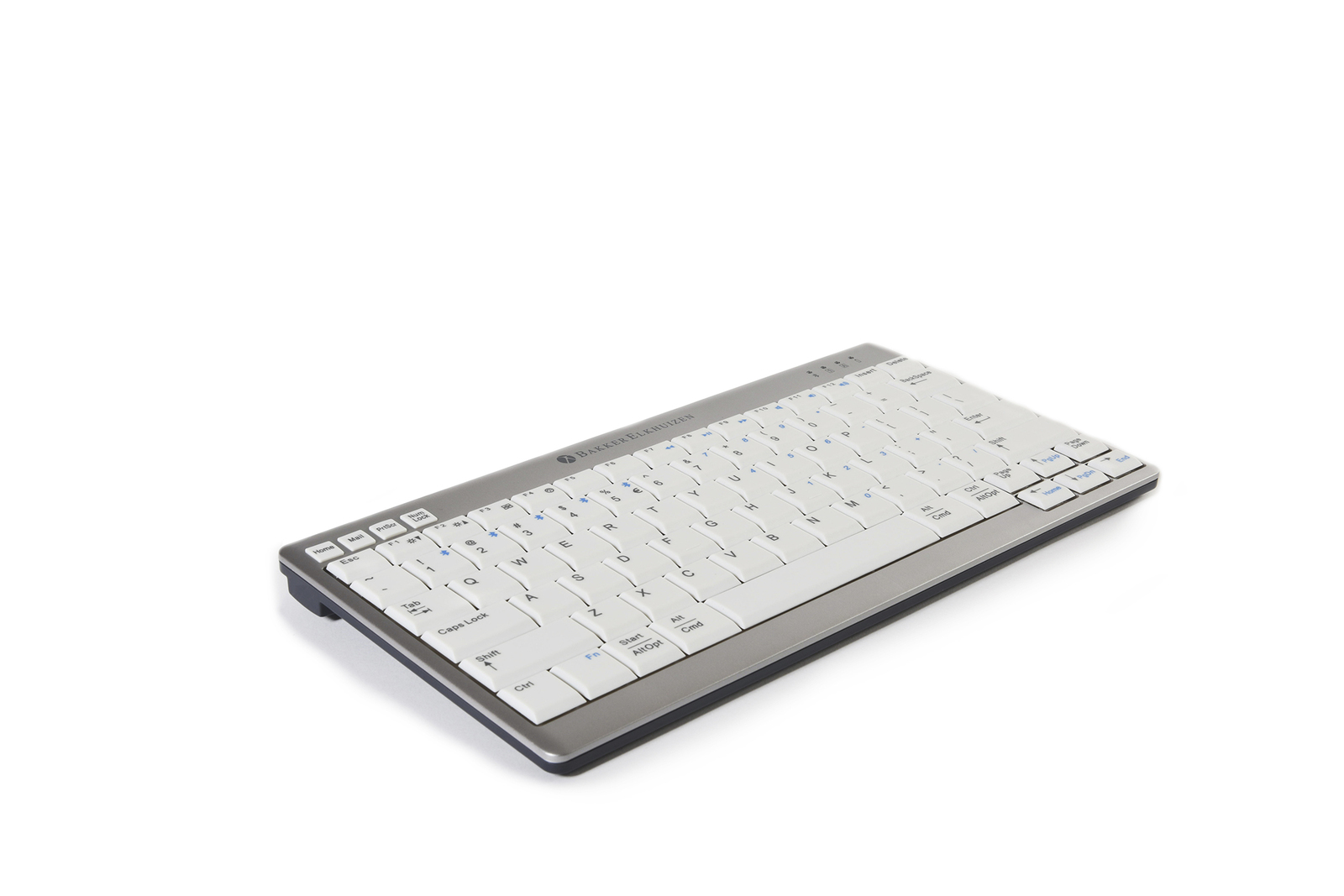

BakkerElkhuizen UltraBoard 950 Wireless
Compact Width. Wireless Freedom.
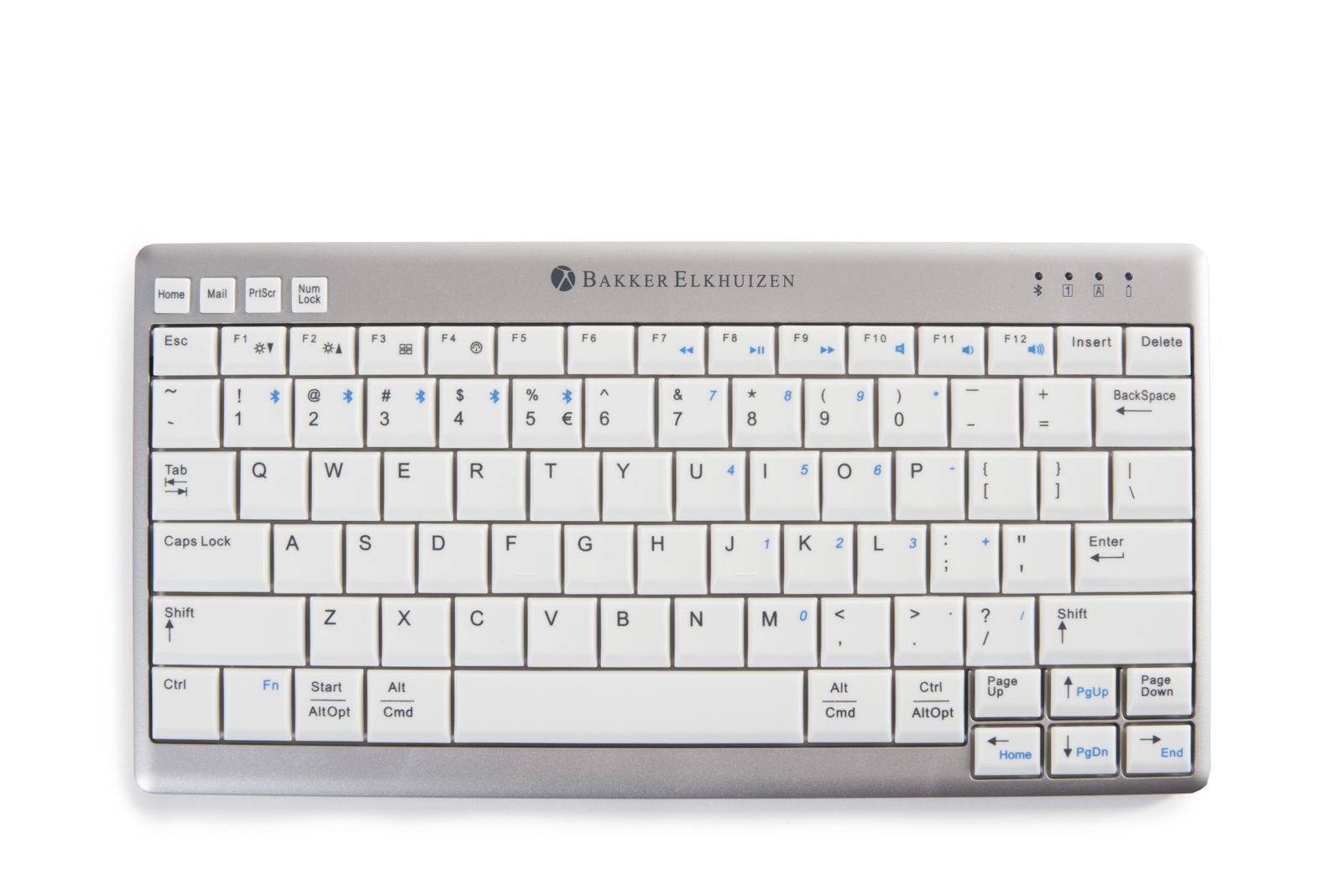
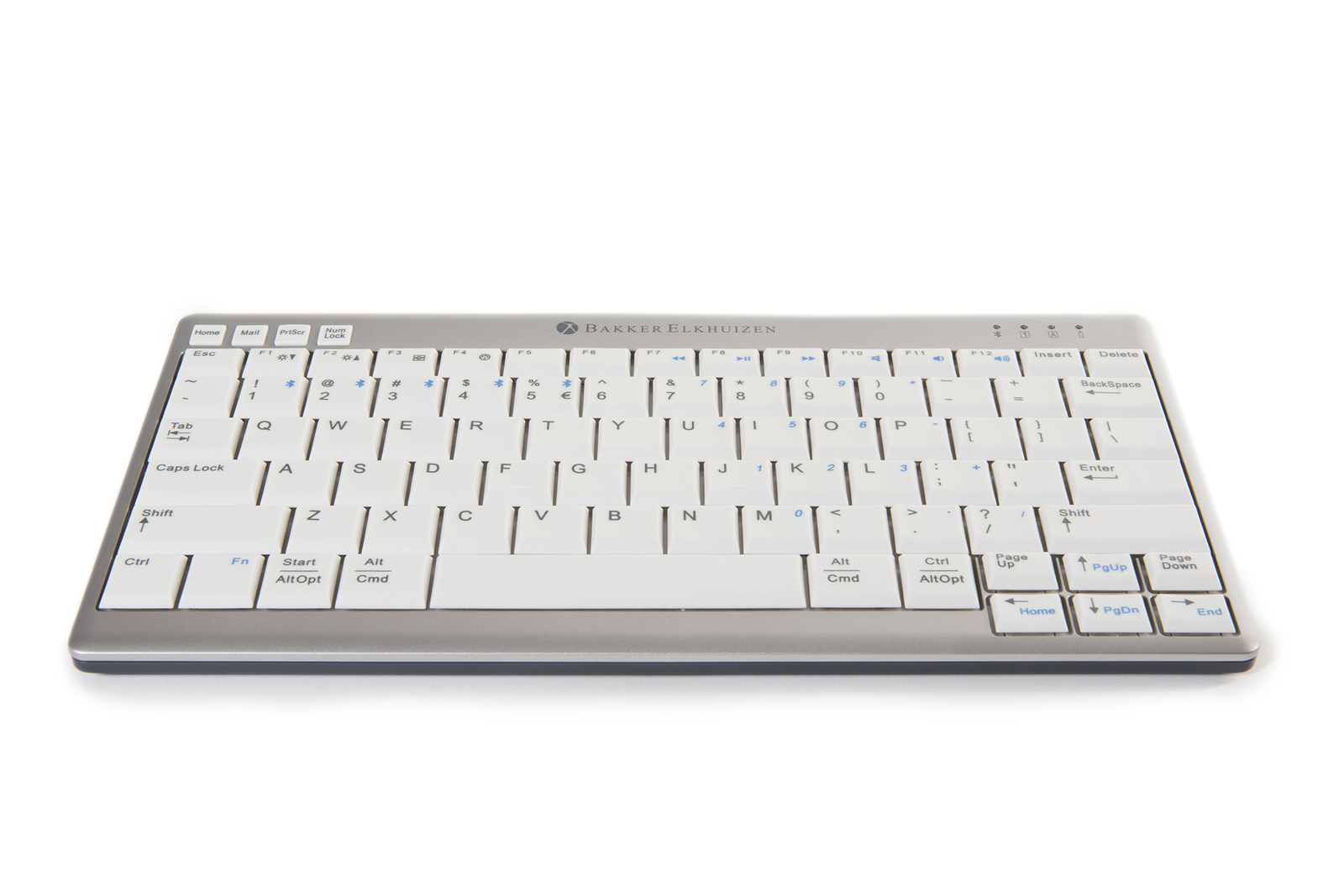
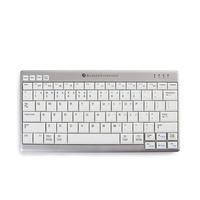
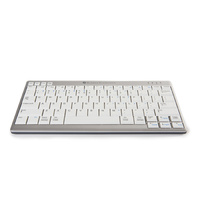
The BakkerElkhuizen UltraBoard 950 Wireless is a slim compact keyboard designed to reduce the distance between the keyboard and mouse while providing flexible wireless connectivity.
.png) UltraBoard 950 Wireless
UltraBoard 950 Wireless
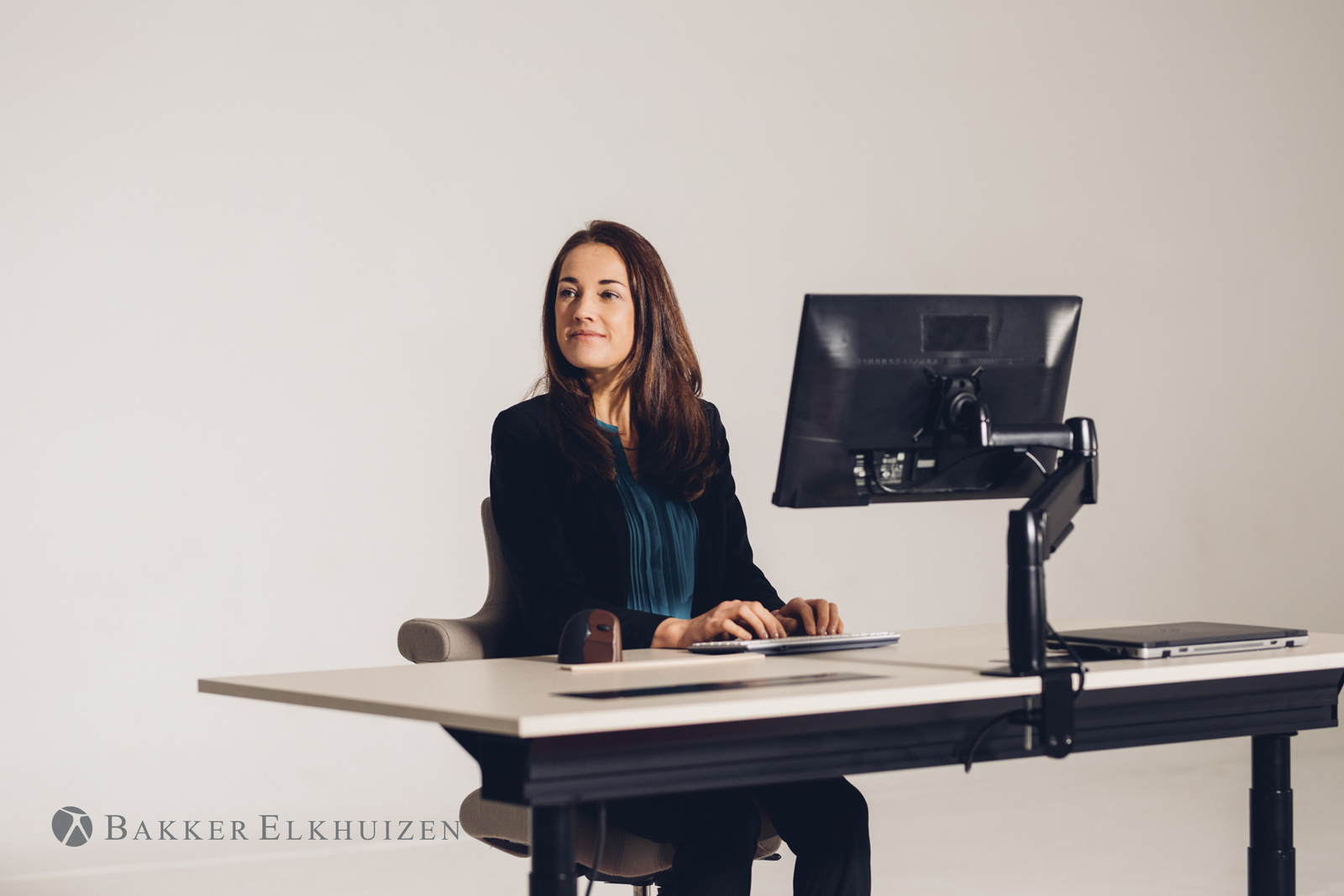
By removing the permanently attached numeric keypad, the keyboard keeps the primary input zone narrower, allowing the mouse to sit closer to the body and within a more controlled working reach.
The UltraBoard 950 is the latest Bluetooth Compact Keyboard released by BakkerElkhuizen. BakkerElkhuizen have been at the forefront of compact keyboards over the years but the UltraBoard 950 is the best to date.
The UltraBoard can also register and store up to 5 bluetooth devices in its memory at once. Simply toggle between the devices using the bluetooth selection keys on the keyboard.
This makes it perfect for those who want to use the same keyboard but work across multiple devices. With a connection via bluetooth on your smart phone, tablet or laptop. Its perfect for mobile workers!
An often overlooked feature on keyboards is the tactile feel of the keys.
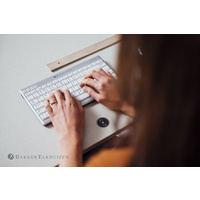
The BakkerElkhuizen UltraBoard 950 has a light laptop style keystroke due to the use of a scissor mechanism instead of the traditional membrane.
The Scissor mechanism provides excellent tactile feedback, thus reducing finger strain.
Key Features
- compact keyboard without permanently attached numeric keypad
- slim low-profile construction
- scissor-switch key mechanism
- full-size primary key spacing
- wireless connectivity
- rechargeable battery
- multi-device capability
- lightweight portable design
- Windows and macOS compatible
- suitable for office, home, shared and mobile workstations

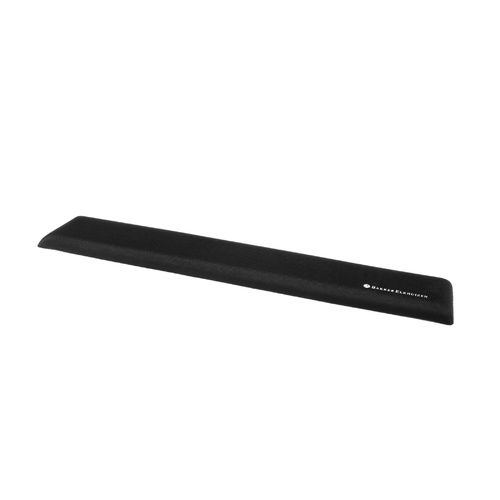
Arm support
Reach
Mouse
Surface
.png)
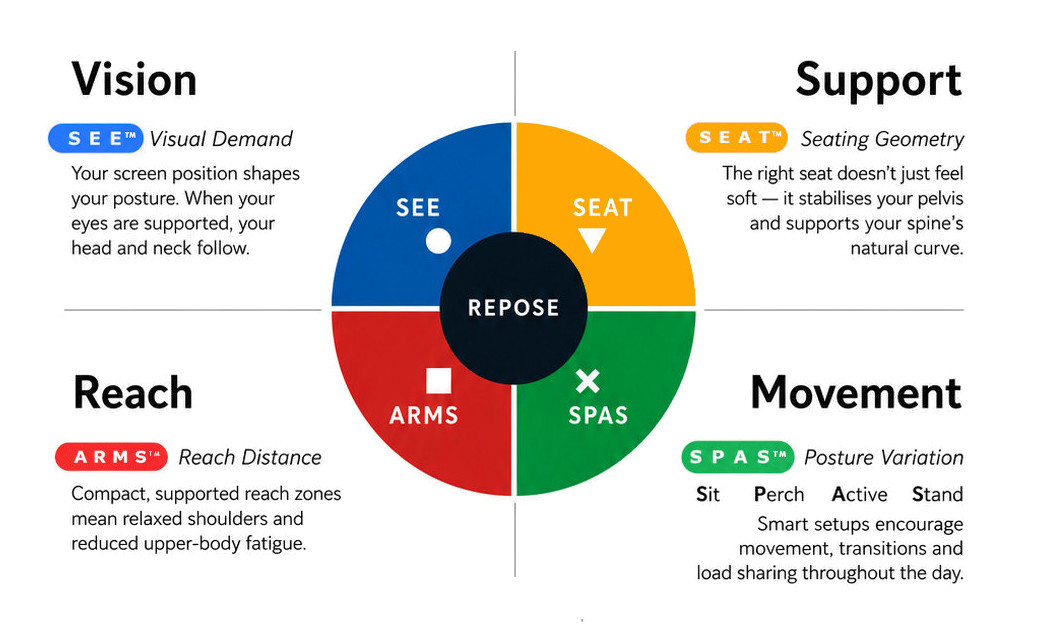
What this means for you when the 4 elements are aligned
| Corrected screen alignment → reduced neck strain |  - S E E™ - S E E™ |
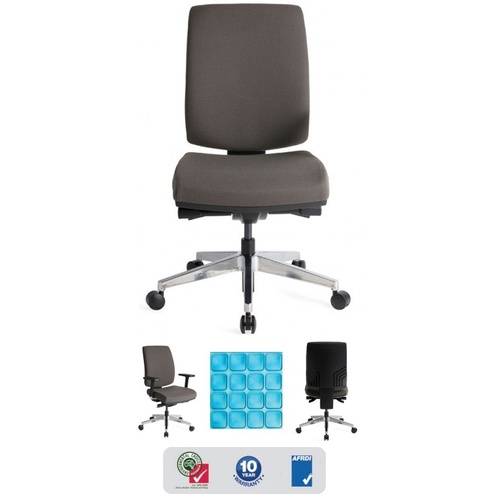
| Better pelvic support → less lower back fatigue |  - S E A T™ - S E A T™ |
| Arm positioning → reduced shoulder load |  - A R M S™ - A R M S™ |
| Movement support → reduces static load |  - S P A S™ - S P A S™ |
R E P O S E™ Outcome
The UltraBoard 950 Wireless supports Natural R E P O S E™ through improved A R M S™ Reach & Interface positioning.
Narrower keyboard. Closer mouse. Wireless freedom.
- Connection Type: Bluetooth
- Width: 285mm
- Height: 19mm
- Depth: 147mm
- Weight: 455 grams
- Bluetooth connectivity with up to 5 devices at once
- Multi Device Pairing
Warranty Period: 12 Months
BakkerElkhuizen UltraBoard 950 Bluetooth

- compact tenkeyless layout
- wireless connectivity
- slim low-profile design
- reduced keyboard width
- low-force scissor-switch keys
- lightweight and portable
Who is it for?
Compact keyboards are for office workers who benefit from a smaller keyboard footprint and improved control of their working reach zone.
They are suitable for users who:
- use a mouse frequently throughout the day
- experience shoulder, neck, forearm, wrist, or hand discomfort from extended reach
- work at compact desks or shared workstations
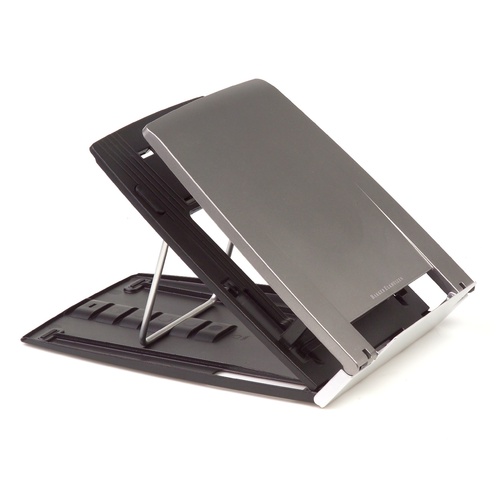
- use laptop riser or docking setups and need a better external keyboard arrangement
- do not require constant numeric keypad use, or can use a separate numeric keypad when needed
- need the keyboard and mouse positioned closer to the body for improved ergonomic control
Compact keyboards help users keep their input devices within a more comfortable working zone, reducing unnecessary side reach and improving arm positioning during desk-based work.
Suitable Environments
Compact keyboards are suitable for:
- general office workstations
- WHS-oriented government and commercial office environments
- hot-desk and shared workstation areas
- laptop docking stations
- compact desks and space-limited work areas
- administrative, professional, clinical, education, and task-based workspaces
- workstation setups where mouse reach needs to be reduced
They are especially useful where desk space is limited or where users need the mouse positioned closer to the centreline of the body.
Problem to Solve
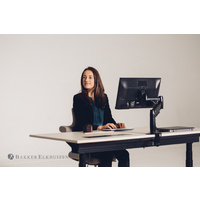
Traditional full-size keyboards with fixed numeric keypads can push the mouse too far to the side. This may increase shoulder reach, arm loading, wrist deviation, and general upper-limb discomfort during repeated keyboard and mouse use.
Compact keyboards reduce the keyboard width, allowing the mouse to sit closer to the body and within a more natural working zone.
A R M S™ explains why reach and interface position matter: when the keyboard and mouse are too far apart, the arms, shoulders, wrists, and hands work harder than necessary.
Compact keyboards help solve this by reducing lateral reach and supporting a more controlled interface layout.
Framework Application
 A R M S™ - Primary
Reach & Interface
Compact keyboards support the A R M S™ system by improving the relationship between the user, keyboard, mouse, and desk surface.
They may help users to:
- reduce outward mouse reach
- keep elbows closer to the body
- improve keyboard and mouse alignment
- reduce unnecessary shoulder abduction
- support more neutral wrist and forearm positioning
- improve control of the primary work interface
- maintain a cleaner, more efficient desktop layout
R E P O S E™ Outcome
Users achieve sustainable comfort through four integrated elements working together to support Natural R E P O S E™.
Compact keyboards are a primary contributor through A R M S™, supporting improved reach, interface control, and upper-limb comfort across the workday.
BakkerElkhuizen UltraBoard 950 Wireless
Compact Width. Wireless Freedom.
The BakkerElkhuizen UltraBoard 950 Wireless is a slim compact keyboard designed to reduce the distance between the keyboard and mouse while providing flexible wireless connectivity.
UltraBoard 950 Wireless
By removing the permanently attached numeric keypad, the keyboard keeps the primary input zone narrower, allowing the mouse to sit closer to the body and within a more controlled working reach.
The UltraBoard 950 is the latest Bluetooth Compact Keyboard released by BakkerElkhuizen. BakkerElkhuizen have been at the forefront of compact keyboards over the years but the UltraBoard 950 is the best to date.
The UltraBoard can also register and store up to 5 bluetooth devices in its memory at once. Simply toggle between the devices using the bluetooth selection keys on the keyboard.
This makes it perfect for those who want to use the same keyboard but work across multiple devices. With a connection via bluetooth on your smart phone, tablet or laptop. Its perfect for mobile workers!
An often overlooked feature on keyboards is the tactile feel of the keys.
The BakkerElkhuizen UltraBoard 950 has a light laptop style keystroke due to the use of a scissor mechanism instead of the traditional membrane.
The Scissor mechanism provides excellent tactile feedback, thus reducing finger strain.
Key Features
- compact keyboard without permanently attached numeric keypad
- slim low-profile construction
- scissor-switch key mechanism
- full-size primary key spacing
- wireless connectivity
- rechargeable battery
- multi-device capability
- lightweight portable design
- Windows and macOS compatible
- suitable for office, home, shared and mobile workstations
Arm support
Reach
Mouse
Surface
What this means for you when the 4 elements are aligned
| Corrected screen alignment → reduced neck strain | - S E E™ |
| Better pelvic support → less lower back fatigue | - S E A T™ |
| Arm positioning → reduced shoulder load | - A R M S™ |
| Movement support → reduces static load | - S P A S™ |
R E P O S E™ Outcome
The UltraBoard 950 Wireless supports Natural R E P O S E™ through improved A R M S™ Reach & Interface positioning.
Narrower keyboard. Closer mouse. Wireless freedom.
- Connection Type: Bluetooth
- Width: 285mm
- Height: 19mm
- Depth: 147mm
- Weight: 455 grams
- Bluetooth connectivity with up to 5 devices at once
- Multi Device Pairing
Warranty Period: 12 Months