Contour Balance Keyboard

Contour Balance Keyboard
Compact Keyboard — Designed for Central Mouse Control
The Balance Keyboard has been designed specifically by contour for use with their award winning ergonomic RollerMouse family.
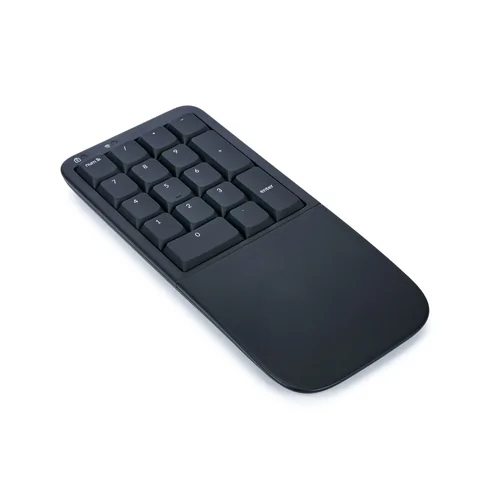
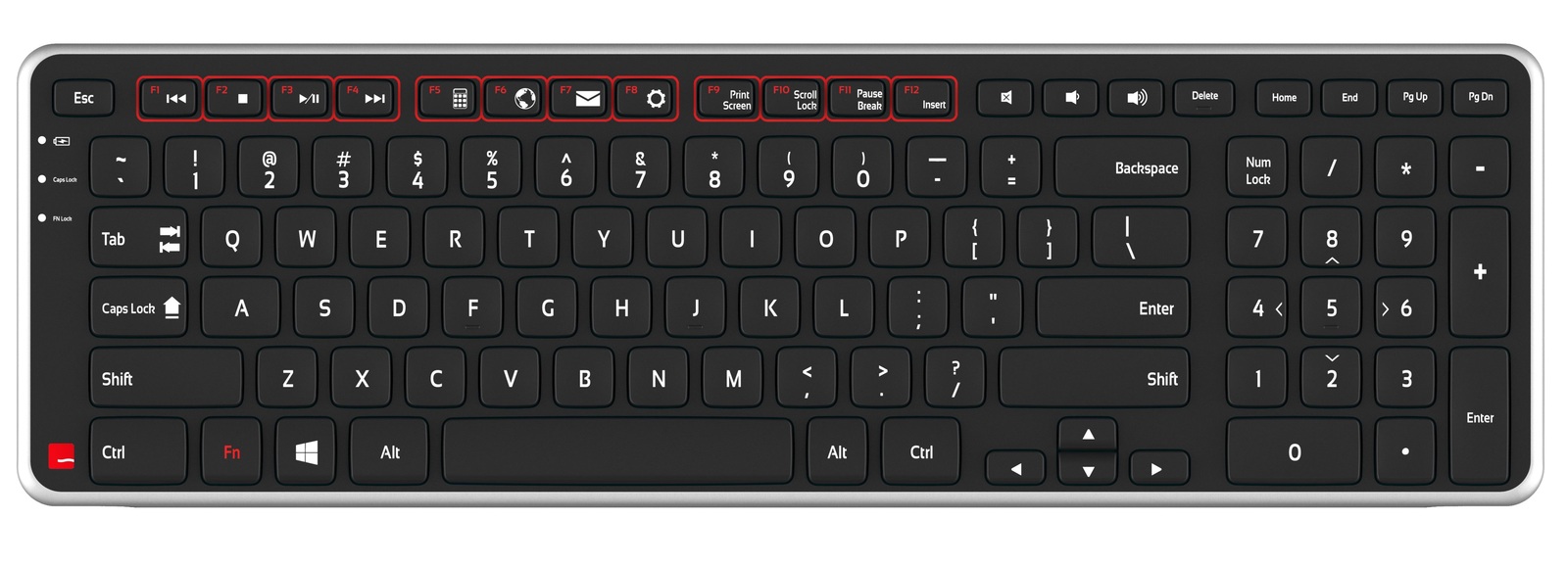
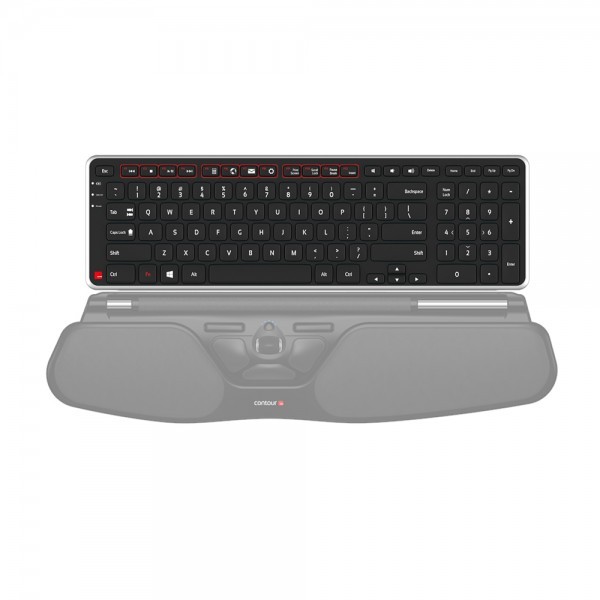
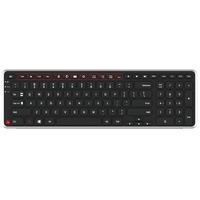
The Contour Balance Keyboard is a compact, low-profile keyboard designed to work particularly well with Contour RollerMouse central pointing devices.
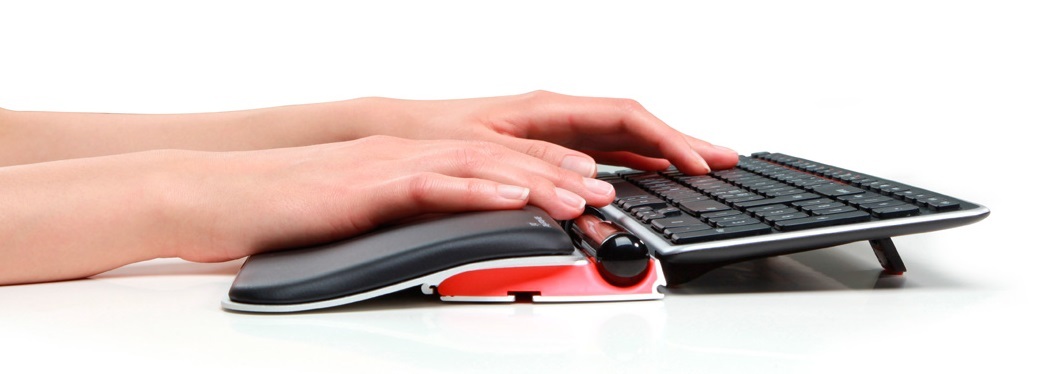
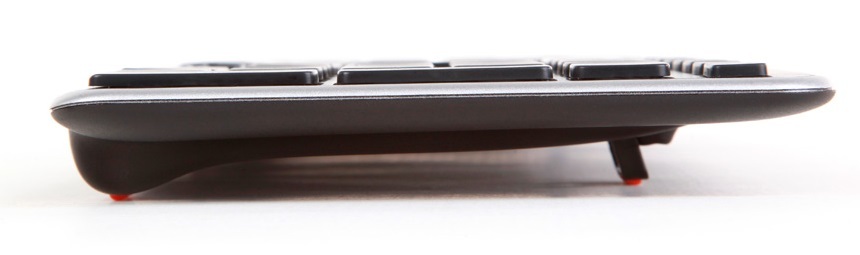
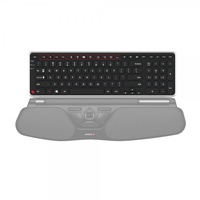
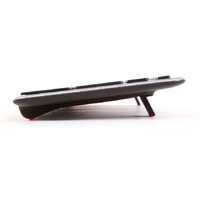
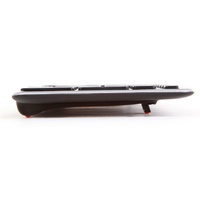
Its reduced depth and low front edge allow the keyboard to sit close behind the RollerMouse, helping keep typing and cursor control within one compact working zone.
This specific design encompasses easy to reach access across all keys on the board
without the need to remove your hands from the RollerMouse.
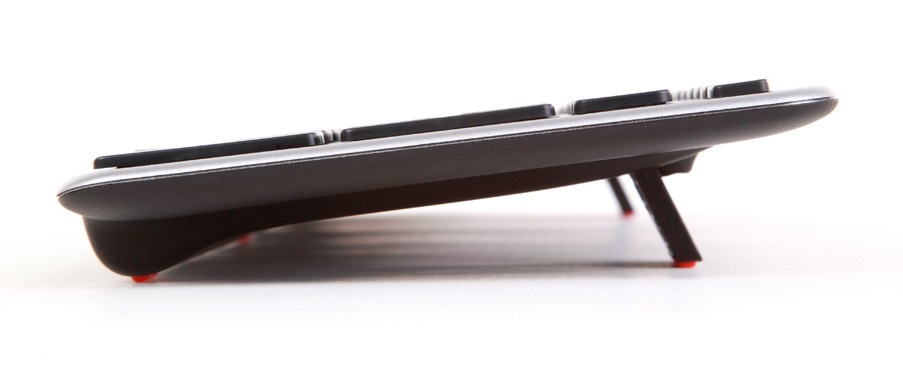
Balance Keyboard's adjustable legs and tilt options allow for easy
adjustability into negative, neutral,and positive typing angles.
Balance Keyboard is wireless and runs on 2 AAA batteries.
It connects to your PC or Mac using its own USB wireless receiver,
which is securely stored in the battery housing when not in use.
Perfect For:
Contour Rollermouse Red
Contour Rollermouse Free2 and Free3
Contour Rollermouse Pro 2
Key Features
- compact low-profile keyboard
- designed for use with Contour RollerMouse
- integrated numeric keypad
- adjustable keyboard tilt
- supports positive, neutral and negative tilt positions
- low front edge for close RollerMouse positioning
- wireless operation
- compact USB receiver
- rechargeable battery
- multimedia and shortcut functions
- suitable for Windows and macOS
- designed for office and sustained computer work

Arm support
Reach
Mouse
Surface
.png)
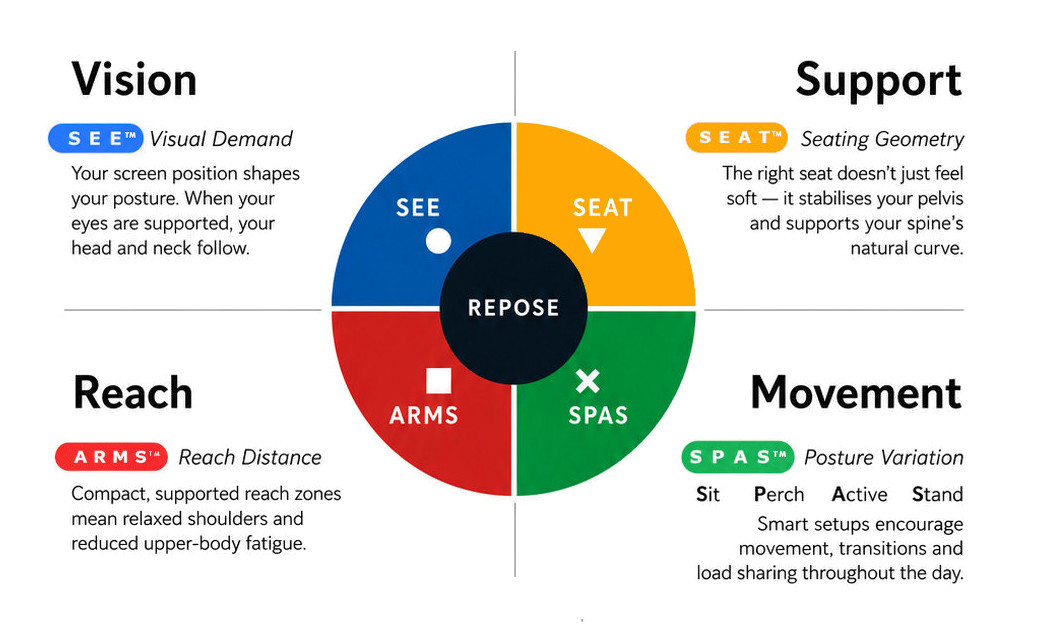
What this means for you when the 4 elements are aligned
| Corrected screen alignment → reduced neck strain |  - S E E™ - S E E™ |
| Better pelvic support → less lower back fatigue |  - S E A T™ - S E A T™ |
| Arm positioning → reduced shoulder load |  - A R M S™ - A R M S™ |
| Movement support → reduces static load |  - S P A S™ - S P A S™ |
R E P O S E™ Outcome
The Contour Balance Keyboard supports Natural R E P O S E™ by bringing the keyboard and pointing device into one coordinated central interface.
Keyboard close. Mouse centred. Less unnecessary movement.
- Wireless Keyboard
- 392mm Wide
- 119mm Deep
- 20.5mm High
Warranty Period: 12 Months
Contour Balance Keyboard

- Wireless Keyboard
- 392mm Wide
- 119mm Deep
- 20.5mm High
Who Is It For?
Suitable for users who:
- use a Contour RollerMouse
- want keyboard and cursor controls positioned close together
- spend substantial periods working with keyboard and mouse
- benefit from a compact central input-device layout
- want to reduce unnecessary reach between typing and mousing
- prefer a low-profile keyboard
- work in office, home or shared workstation environments
Problem to Solve
A conventional keyboard can sit too high or too far behind a centrally positioned pointing device.
This increases the distance between the keyboard and mouse and may reduce the ergonomic advantage of bringing cursor control to the centre.
The Balance Keyboard is designed to sit close behind the RollerMouse, creating a coordinated interface where the hands move only a short distance between typing and cursor-control tasks.
Its adjustable tilt also allows the keyboard angle to be configured to better suit the individual workstation.
A R M S™ — Primary
Arm Support · Reach · Mouse · Surface
The Balance Keyboard supports A R M S™ by helping users:
- keep keyboard and cursor controls close together
- reduce unnecessary forward and lateral reach
- maintain a compact central working zone
- minimise movement between typing and pointing tasks
- adjust keyboard angle to suit the individual
- support integrated RollerMouse workstation layouts
Contour Balance Keyboard
Compact Keyboard — Designed for Central Mouse Control
The Balance Keyboard has been designed specifically by contour for use with their award winning ergonomic RollerMouse family.
The Contour Balance Keyboard is a compact, low-profile keyboard designed to work particularly well with Contour RollerMouse central pointing devices.
Its reduced depth and low front edge allow the keyboard to sit close behind the RollerMouse, helping keep typing and cursor control within one compact working zone.
This specific design encompasses easy to reach access across all keys on the board
without the need to remove your hands from the RollerMouse.
Balance Keyboard's adjustable legs and tilt options allow for easy
adjustability into negative, neutral,and positive typing angles.
Balance Keyboard is wireless and runs on 2 AAA batteries.
It connects to your PC or Mac using its own USB wireless receiver,
which is securely stored in the battery housing when not in use.
Perfect For:
Contour Rollermouse Red
Contour Rollermouse Free2 and Free3
Contour Rollermouse Pro 2
Key Features
- compact low-profile keyboard
- designed for use with Contour RollerMouse
- integrated numeric keypad
- adjustable keyboard tilt
- supports positive, neutral and negative tilt positions
- low front edge for close RollerMouse positioning
- wireless operation
- compact USB receiver
- rechargeable battery
- multimedia and shortcut functions
- suitable for Windows and macOS
- designed for office and sustained computer work
Arm support
Reach
Mouse
Surface
What this means for you when the 4 elements are aligned
| Corrected screen alignment → reduced neck strain | - S E E™ |
| Better pelvic support → less lower back fatigue | - S E A T™ |
| Arm positioning → reduced shoulder load | - A R M S™ |
| Movement support → reduces static load | - S P A S™ |
R E P O S E™ Outcome
The Contour Balance Keyboard supports Natural R E P O S E™ by bringing the keyboard and pointing device into one coordinated central interface.
Keyboard close. Mouse centred. Less unnecessary movement.
- Wireless Keyboard
- 392mm Wide
- 119mm Deep
- 20.5mm High
Warranty Period: 12 Months