BakkerElkhuizen UltraBoard 960 Compact Standard Keyboard
BakkerElkhuizen UltraBoard 960 Compact Standard Keyboard
Full Numeric Function — In a Narrower Keyboard
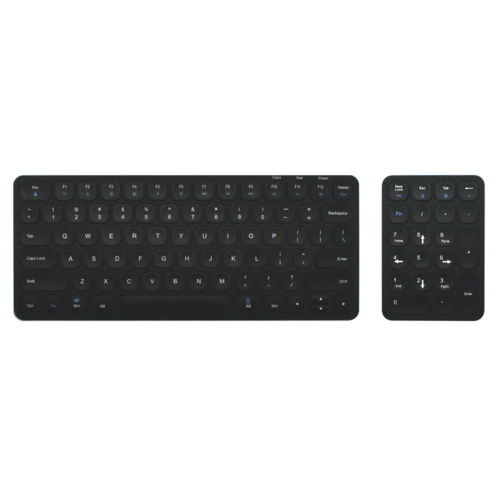
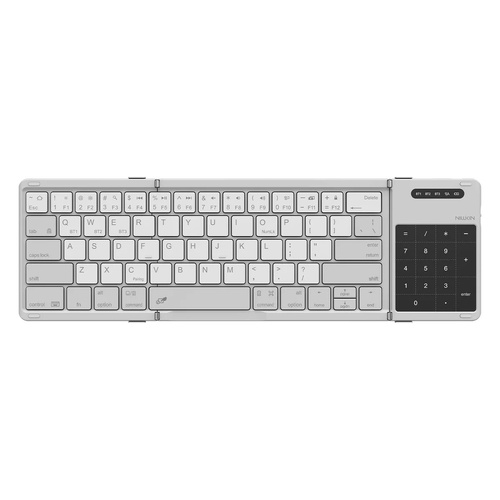
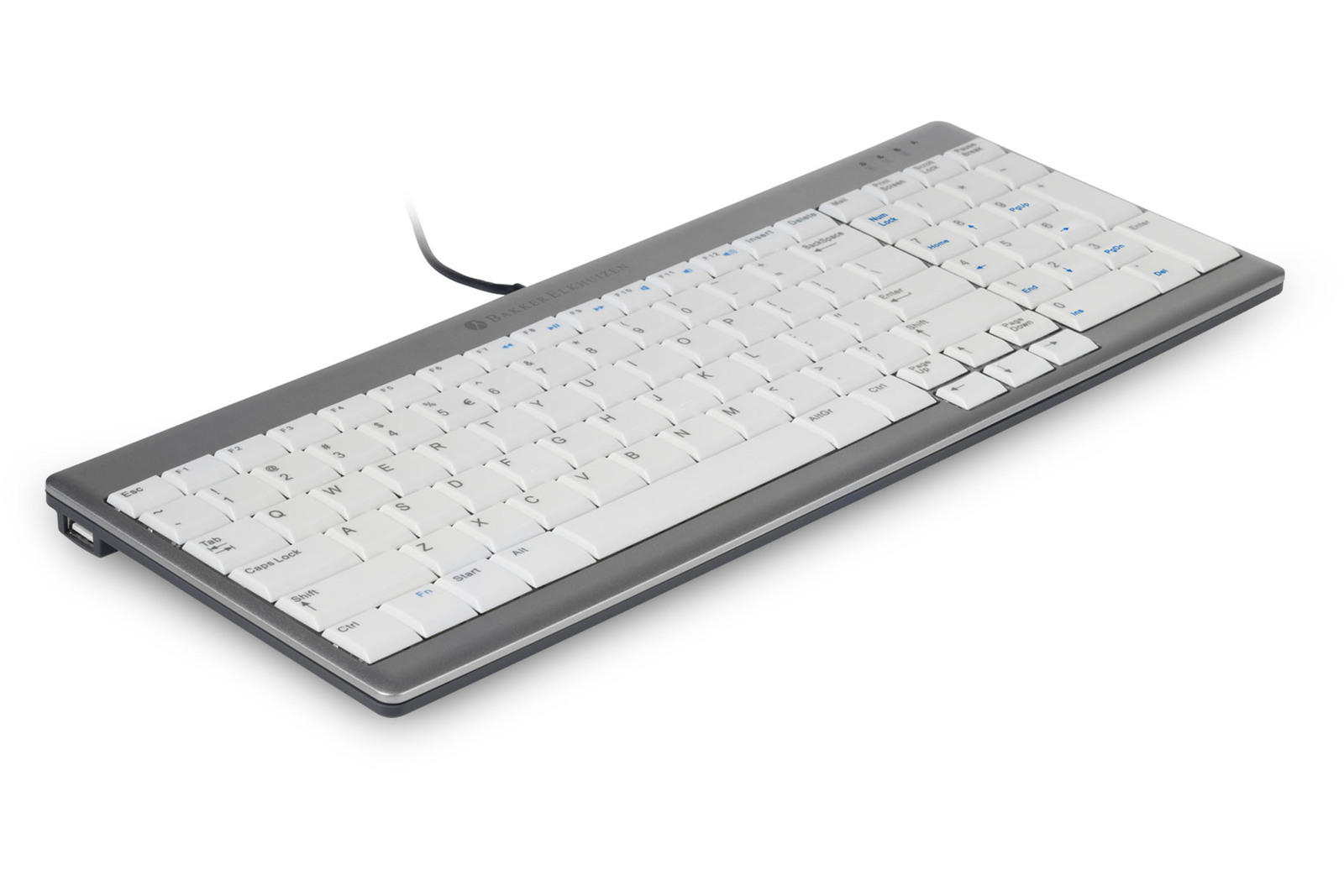
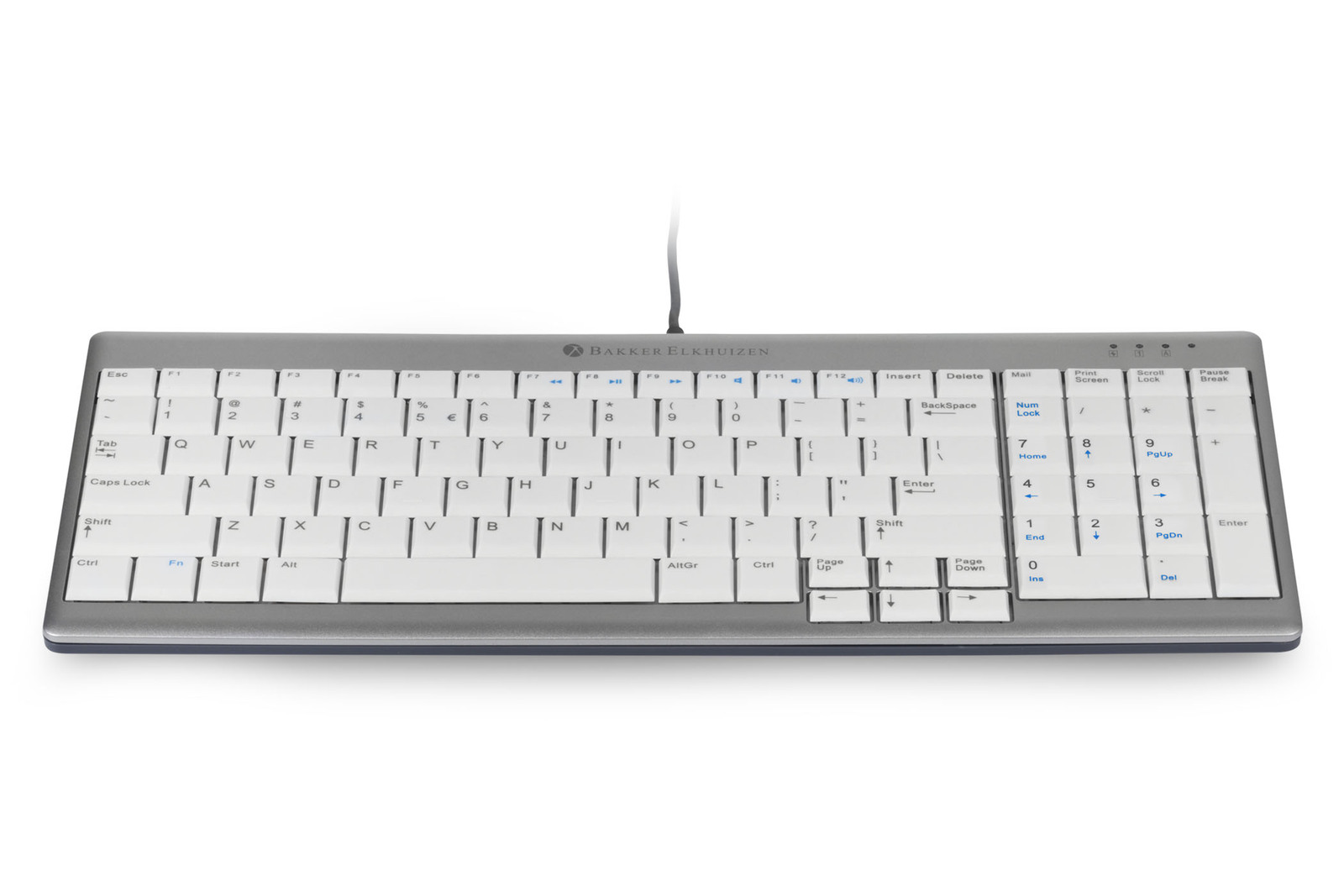
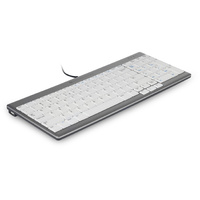
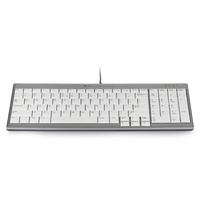
The BakkerElkhuizen UltraBoard 960 combines a standard keyboard layout with an integrated numeric keypad in a more compact overall width.
.png) UltraBoard 960
UltraBoard 960
At approximately 80 mm narrower than a conventional full-size keyboard, it allows the mouse to sit closer to the main typing area while still retaining dedicated numeric entry.
The UltraBoard 960 Standard is the latest Compact Keyboard released by BakkerElkhuizen. BakkerElkhuizen have been at the forefront of compact keyboards over the years but the UltraBoard 960 is the best to date.
The main difference between the Ultraboard 960 and a standard keyboard is the Ultraboards Optimal Layout. Which makes the Ultraboard 960's design eight centimeters narrower than a "normal" keyboard
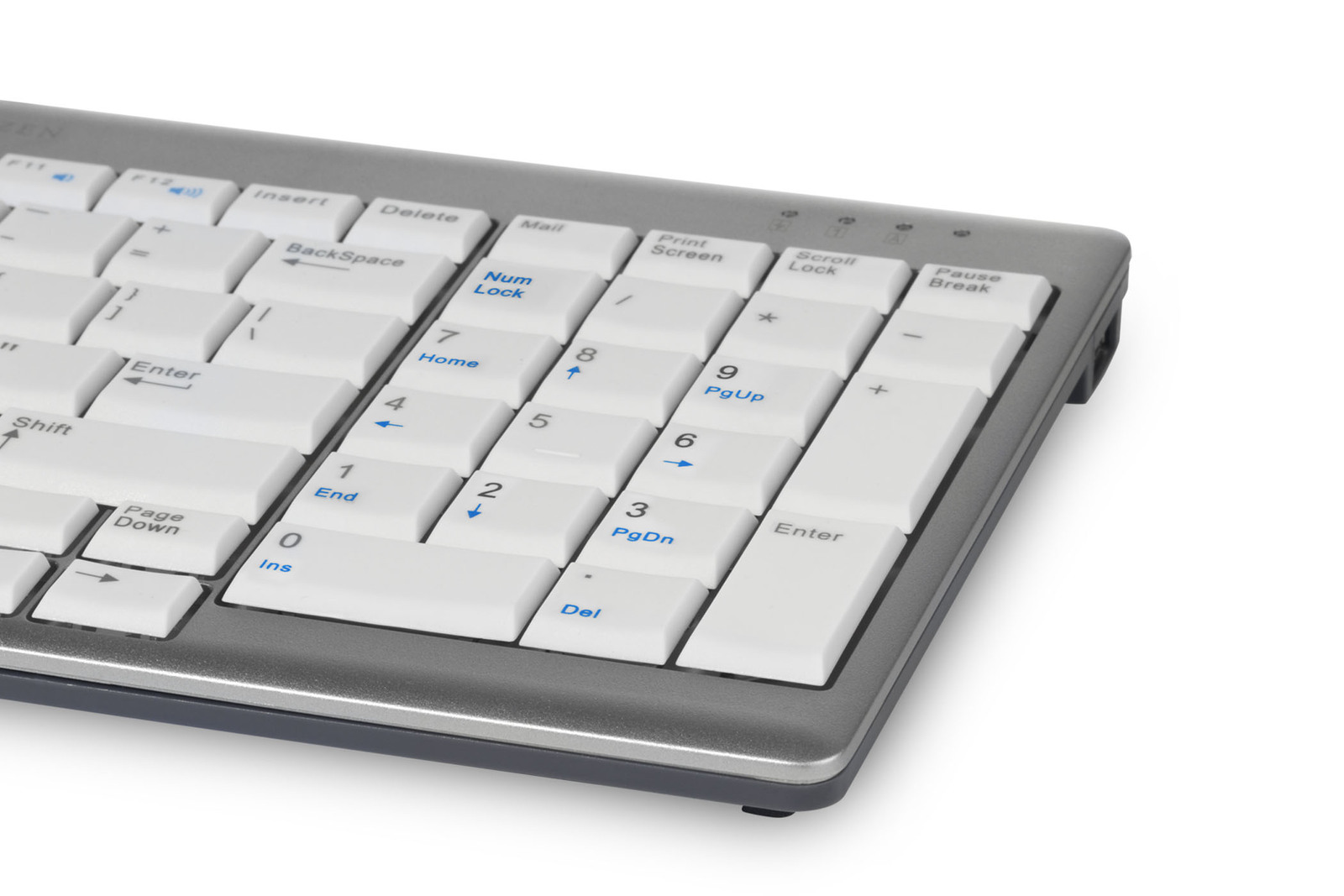
With it's built in numeric pad, the Uboard 960 is perfect for the worker who prefers to use a numeric pad. While it's compact size helps relieve lower arm discomfort and strains.
An often overlooked feature on keyboards is the tactile feel of the keys.
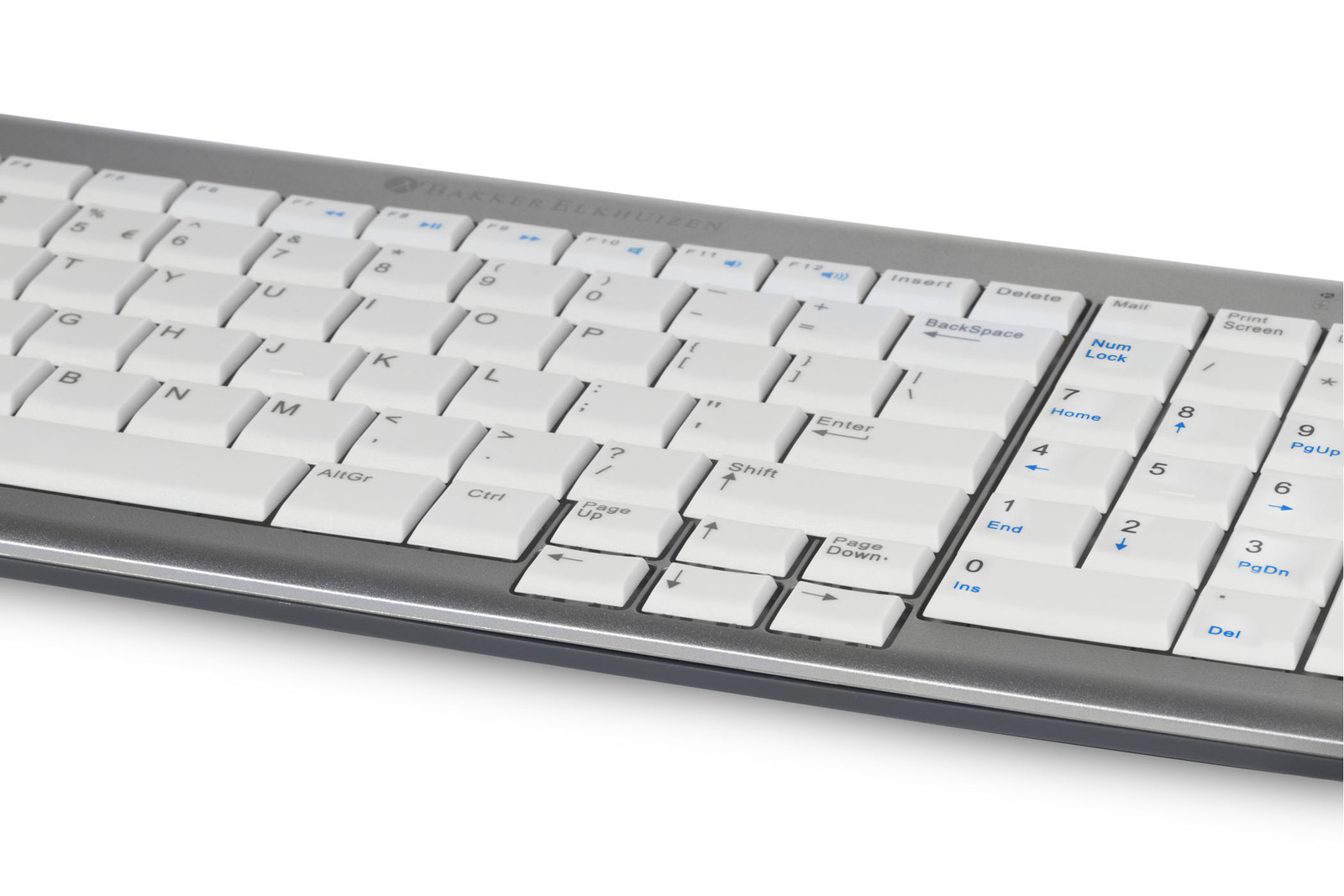
The BakkerElkhuizen UltraBoard 960 has a light laptop style keystroke due to the use of a scissor mechanism instead of the traditional membrane.
The Scissor mechanism provides excellent tactile feedback, thus reducing finger strain.
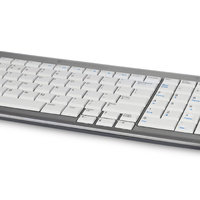
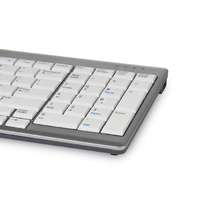
The dark letters on the light background of the keyboard make reading easier and result in higher productivity. Furthermore, The Uboard 960 also features, two aditional USB Ports.
Key Features
- compact standard keyboard with integrated numeric keypad
- approximately 80 mm narrower than a conventional keyboard
- full numeric keypad
- key spacing approximately 18–20 mm
- slim low-profile construction
- light background with dark key legends
- multimedia function keys
- shortcut / hot keys
- 2 integrated USB ports
- wired USB connection
- plug-and-play operation
- suitable for general office and numeric-entry work
.png)
Arm support
Reach
Mouse
Surface
.png)
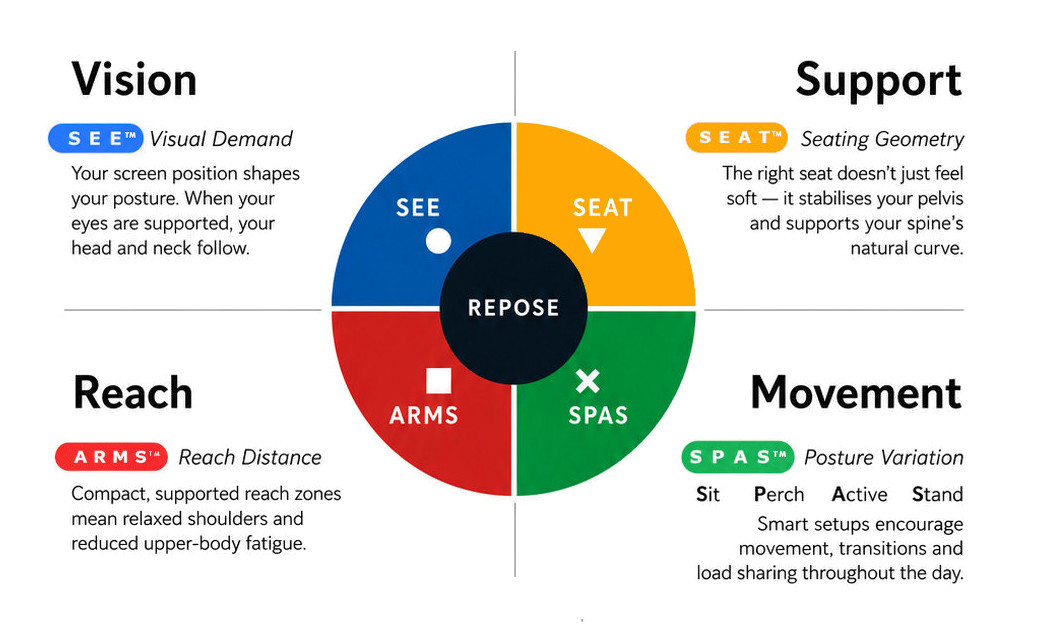
What this means for you when the 4 elements are aligned
| Corrected screen alignment → reduced neck strain |  - S E E™ - S E E™ |
| Better pelvic support → less lower back fatigue |  - S E A T™ - S E A T™ |
| Arm positioning → reduced shoulder load |  - A R M S™ - A R M S™ |
| Movement support → reduces static load |  - S P A S™ - S P A S™ |
R E P O S E™ Outcome
The UltraBoard 960 supports Natural R E P O S E™ through improved A R M S™ Reach & Interface positioning.
Keep the number pad. Reduce the width. Bring the mouse closer.
- Cable Length: 148cm
- Rechargeable: Yes
- Drivers: Plug and Play
- Width: 363mm
- Height: 19mm
- Depth: 147mm
- Weight: 628 grams
BakkerElkhuizen UltraBoard 960 Compact Standard Keyboard

- integrated numeric keypad
- approximately 80 mm narrower than a standard keyboard
- compact standard layout
- low-profile key design
- 2 integrated USB ports
- dedicated multimedia and shortcut functions
- PC and Mac OS Compatible
- Dark letters on light keys make it easier for you to read in different lighting levels
- Compact in every way, it is only 19mm thin!
Who Is It For?
Suitable for users who:
- regularly use a dedicated numeric keypad
- want a narrower alternative to a conventional full-size keyboard
- use a mouse frequently throughout the day
- want to reduce unnecessary lateral mouse reach
- work in finance, administration, data entry or general office roles
- prefer a familiar standard keyboard layout
- need numeric entry without using a separate keypad
Problem to Solve
A conventional full-size keyboard can place the numeric keypad and navigation keys across a wide desktop footprint.
This pushes the mouse further to the side and can increase repeated lateral reach between keyboard and mouse.
The UltraBoard 960 retains a dedicated numeric keypad while reducing overall keyboard width, helping bring the mouse closer to the main working zone.
It provides a practical compromise for users who require frequent numeric entry but still want better control of mouse reach.
A R M S™ — Primary
Arm Support · Reach · Mouse · Surface
The UltraBoard 960 supports A R M S™ by helping users:
- keep the mouse closer to the keyboard
- reduce unnecessary outward mouse reach
- maintain a more compact keyboard-and-mouse layout
- keep the elbows and forearms within a more controlled working zone
- retain dedicated numeric entry without the width of many conventional keyboards
- maintain familiar key spacing and layout
BakkerElkhuizen UltraBoard 960 Compact Standard Keyboard
Full Numeric Function — In a Narrower Keyboard
The BakkerElkhuizen UltraBoard 960 combines a standard keyboard layout with an integrated numeric keypad in a more compact overall width.
UltraBoard 960
At approximately 80 mm narrower than a conventional full-size keyboard, it allows the mouse to sit closer to the main typing area while still retaining dedicated numeric entry.
The UltraBoard 960 Standard is the latest Compact Keyboard released by BakkerElkhuizen. BakkerElkhuizen have been at the forefront of compact keyboards over the years but the UltraBoard 960 is the best to date.
The main difference between the Ultraboard 960 and a standard keyboard is the Ultraboards Optimal Layout. Which makes the Ultraboard 960's design eight centimeters narrower than a "normal" keyboard
With it's built in numeric pad, the Uboard 960 is perfect for the worker who prefers to use a numeric pad. While it's compact size helps relieve lower arm discomfort and strains.
An often overlooked feature on keyboards is the tactile feel of the keys.
The BakkerElkhuizen UltraBoard 960 has a light laptop style keystroke due to the use of a scissor mechanism instead of the traditional membrane.
The Scissor mechanism provides excellent tactile feedback, thus reducing finger strain.
The dark letters on the light background of the keyboard make reading easier and result in higher productivity. Furthermore, The Uboard 960 also features, two aditional USB Ports.
Key Features
- compact standard keyboard with integrated numeric keypad
- approximately 80 mm narrower than a conventional keyboard
- full numeric keypad
- key spacing approximately 18–20 mm
- slim low-profile construction
- light background with dark key legends
- multimedia function keys
- shortcut / hot keys
- 2 integrated USB ports
- wired USB connection
- plug-and-play operation
- suitable for general office and numeric-entry work
Arm support
Reach
Mouse
Surface
What this means for you when the 4 elements are aligned
| Corrected screen alignment → reduced neck strain | - S E E™ |
| Better pelvic support → less lower back fatigue | - S E A T™ |
| Arm positioning → reduced shoulder load | - A R M S™ |
| Movement support → reduces static load | - S P A S™ |
R E P O S E™ Outcome
The UltraBoard 960 supports Natural R E P O S E™ through improved A R M S™ Reach & Interface positioning.
Keep the number pad. Reduce the width. Bring the mouse closer.
- Cable Length: 148cm
- Rechargeable: Yes
- Drivers: Plug and Play
- Width: 363mm
- Height: 19mm
- Depth: 147mm
- Weight: 628 grams