CONTOUR Perfect Pair - 2 Pieces. Ultimate Workstation Red -
Bundled RollerMouse Red + Balance Keyboard - Wireless
Contour Ultimate Workstation Red
Central Keyboard & Mouse Control — Designed to Work Together
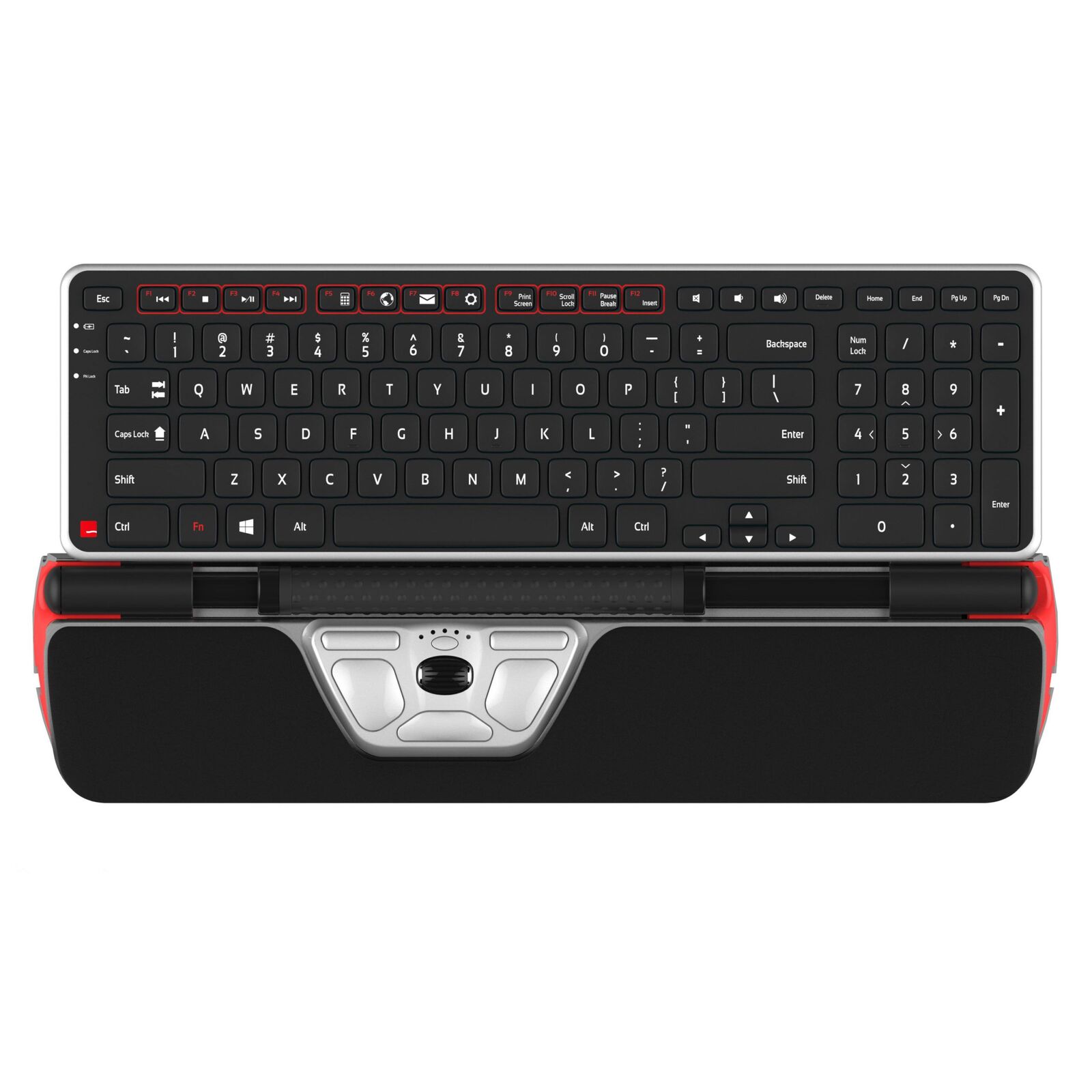
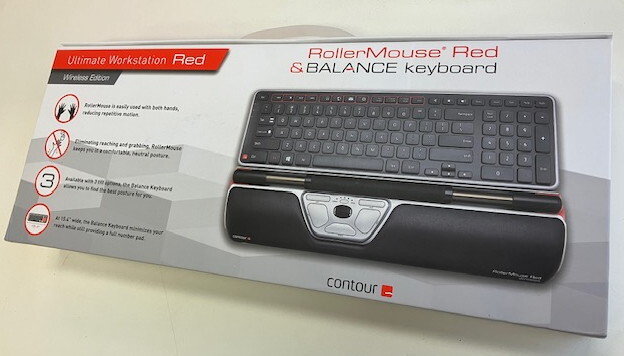
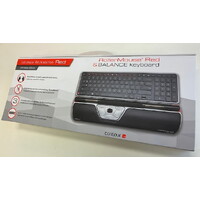
The Contour Ultimate Workstation Red combines the RollerMouse Red Wireless with the Balance Keyboard Wireless to create a coordinated central computer interface.
Rather than placing the mouse beside the keyboard, the RollerMouse sits directly in front of it, keeping cursor control close to the body. The compact Balance Keyboard is designed to sit immediately behind the RollerMouse, helping minimise the distance between typing and pointing tasks.
Ultimate Workstation Red Wireless - RollerMouse Red Wireless + Balance Keyboard Wireless
TWO PIECE SET
The ultimate bundle in workstation comfort and productivity.
The Contour Ultimate Workstation reduces the distance between the mouse and keyboard while keeping the user’s body in a neutral posture, delivering comfort and increased productivity like no other.
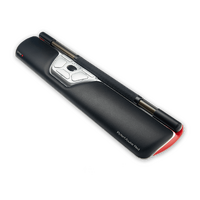
The RollerMouse Red Wireless
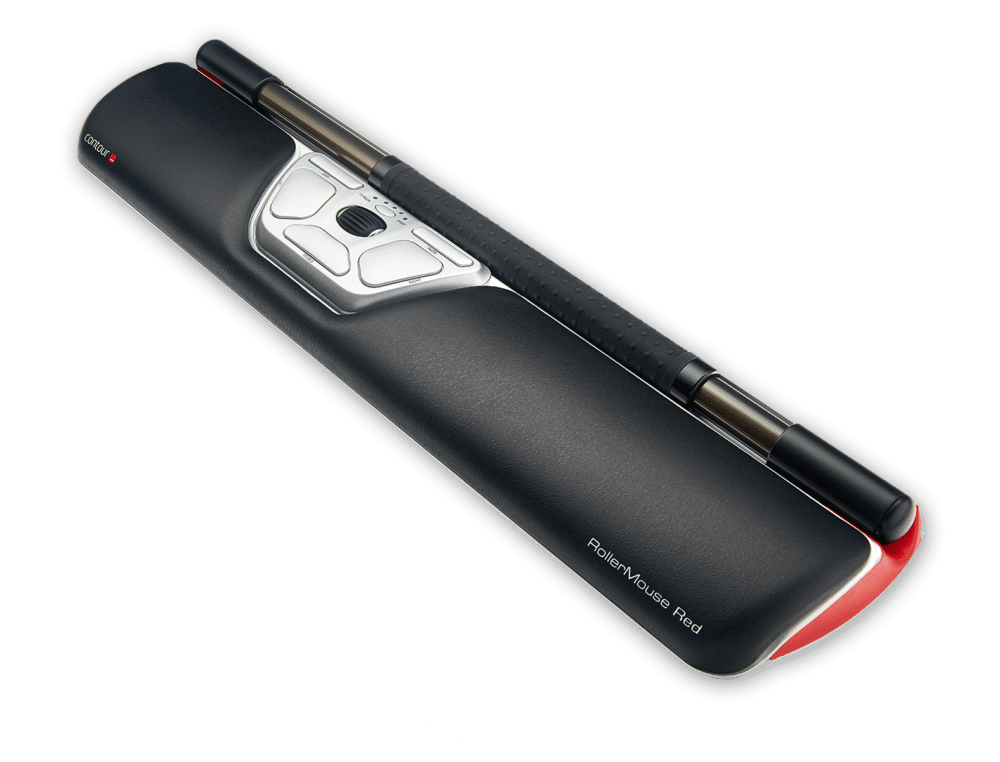
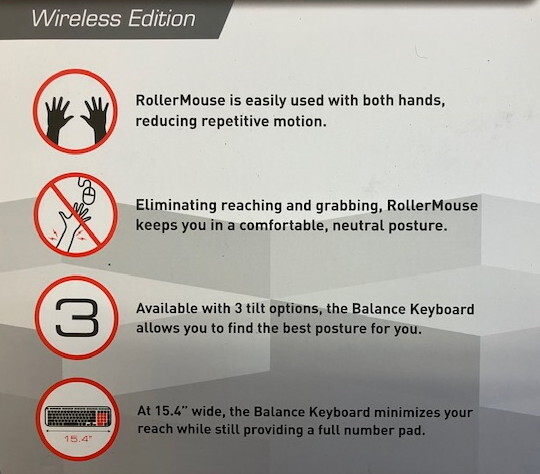
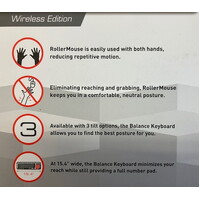
Using the RollerMouse Red Wireless stops reaching for the mouse, saving time and strain on forearms, elbows, and shoulders.
RollerMouse Red Wireless also eliminates gripping, which can cause strain and pain in the hand.
+ PLUS +
The Contour Balance Keyboard
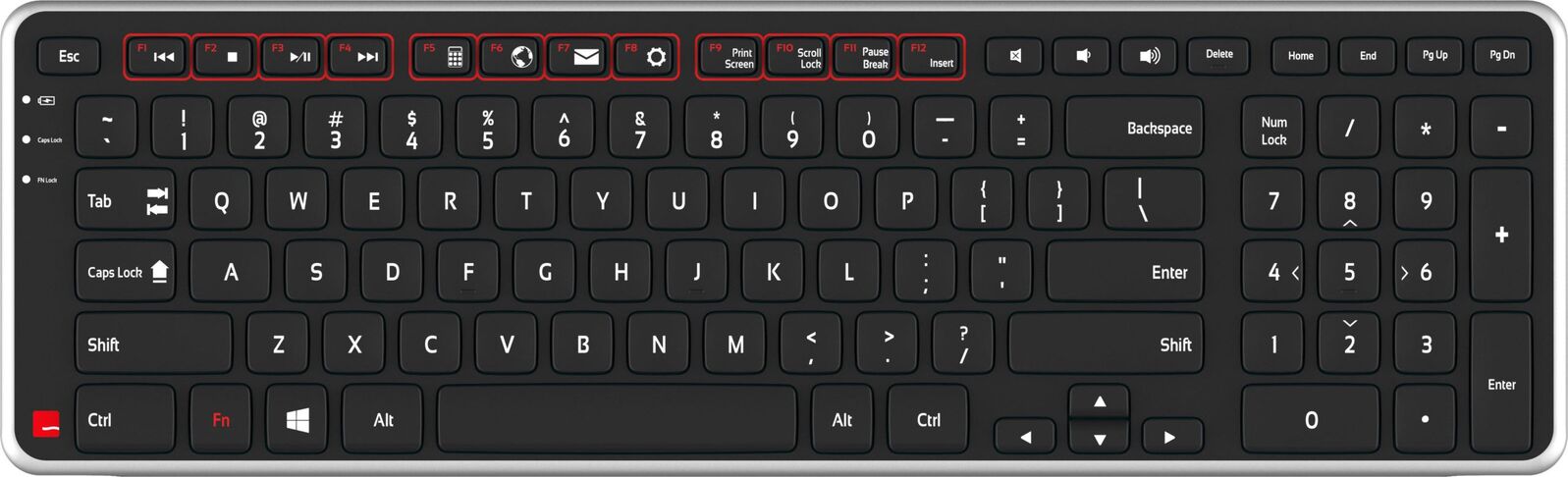
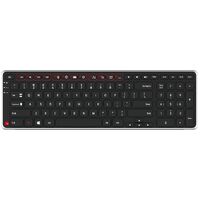
A compact-sized keyboard, with a full 9-digit number pad and a minimised edge in front of the space bar, Balance Keyboard ensures that reach is minimal, and your posture stays neutral.
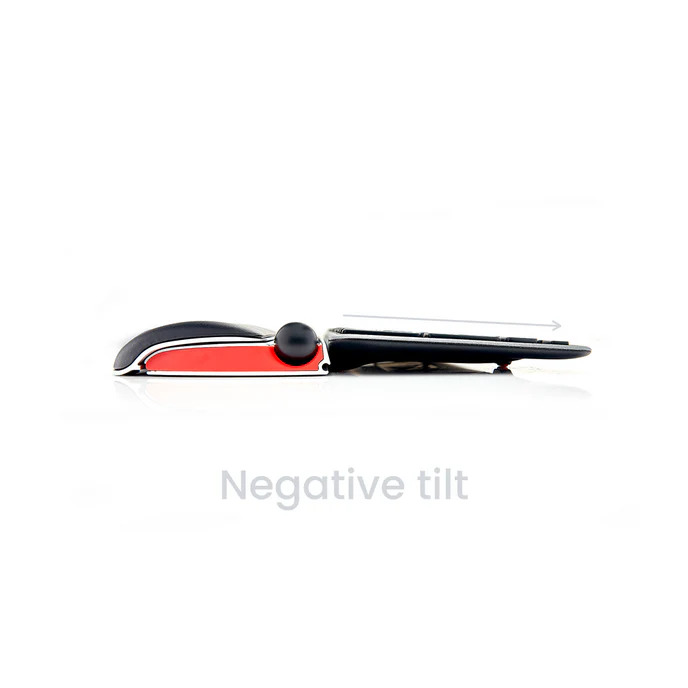
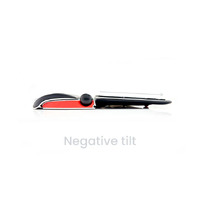
Add to that a negative tilt option and you can see why the Balance Keyboard is the perfect partner for the RollerMouse Red Wireless.
Key Features
RollerMouse Red Wireless
- centrally positioned rollerbar control
- ambidextrous — use either or both hands
- adjustable cursor speed
- adjustable rollerbar click force
- dedicated scrolling and shortcut controls
- wireless operation
Balance Keyboard Wireless
- compact keyboard design
- designed specifically to work with RollerMouse
- low front edge for close RollerMouse positioning
- adjustable keyboard angle including negative tilt
- integrated numeric keypad
- wireless operation
Package
- matched two-piece Contour workstation
- reduces distance between keyboard and pointing device
- suitable for Windows and macOS
.png)
Arm support
Reach
Mouse
Surface
.png)
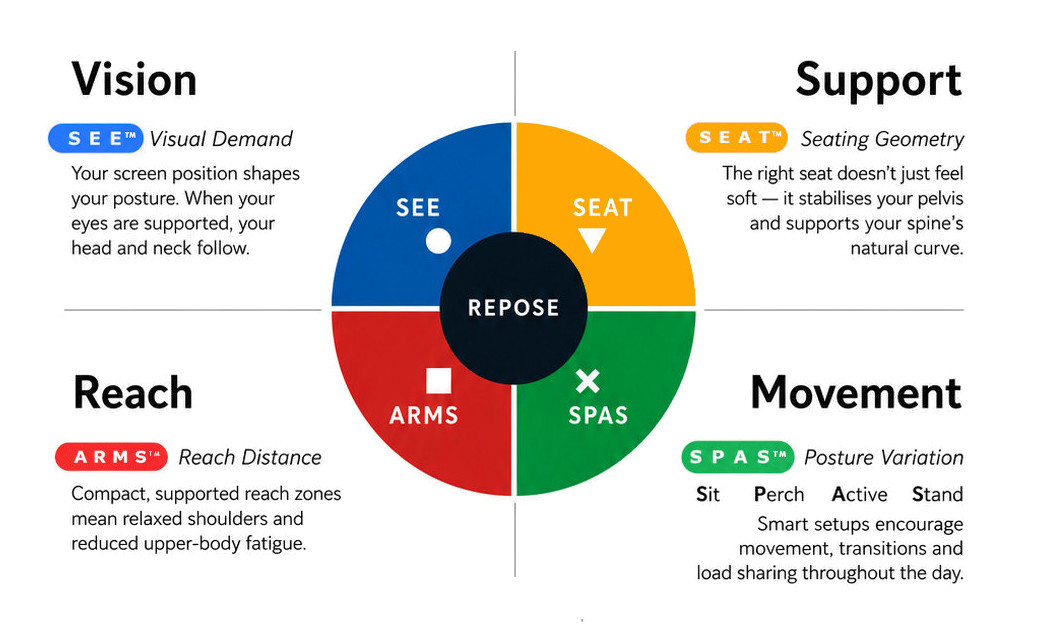
What this means for you when the 4 elements are aligned
| Corrected screen alignment → reduced neck strain |  - S E E™ - S E E™ |
| Better pelvic support → less lower back fatigue |  - S E A T™ - S E A T™ |
| Arm positioning → reduced shoulder load |  - A R M S™ - A R M S™ |
| Movement support → reduces static load |  - S P A S™ - S P A S™ |
R E P O S E™ Outcome
The Contour Ultimate Workstation Red supports Natural R E P O S E™ by bringing keyboard and cursor control together within the central working zone.
Keyboard centred. Mouse centred. Less unnecessary reach.
- Contour RollerMouse Red (Wireless)
- Contour Balance Keyboard (Wireless)
Warranty Period: 12 Months
CONTOUR Perfect Pair - 2 Pieces. Ultimate Workstation Red -

- RollerMouse Red Wireless
- Balance Keyboard Wireless
- central cursor control
- compact keyboard positioning
- wireless desktop configuration
- matched two-piece ergonomic system
Who Is It For?
Suitable for users who:
- spend substantial periods working with keyboard and mouse
- repeatedly reach sideways for a conventional mouse
- want cursor control directly in front of the body
- want to use either or both hands for pointing tasks
- benefit from a compact keyboard-and-mouse working zone
- prefer an integrated wireless workstation setup
- undertake intensive administrative, professional, technical or data-based work
Problem to Solve
A conventional workstation separates the keyboard and mouse, usually positioning the mouse to one side.
This creates repeated movement between typing, reaching, gripping and mousing, particularly when a wide keyboard pushes the mouse further away.
The Ultimate Workstation Red takes a different approach.
The RollerMouse Red is positioned centrally in front of the keyboard, while the Balance Keyboard sits closely behind it. This keeps the primary controls together and allows cursor movement to be shared between both hands.
The result is a more compact and controlled computer interface.
A R M S™ — Primary
Arm Support · Reach · Mouse · Surface
The Bundleis a strong A R M S™application helping users to :
- reduce repeated lateral mouse reach
- keep keyboard and cursor controls close together
- operate the RollerMouse with either or both hands
- reduce reliance on gripping and repositioning a conventional mouse
- keep elbows and forearms within a more controlled working zone
- reduce unnecessary movement between typing and pointing tasks
- maintain a clean wireless desktop layout
Contour Ultimate Workstation Red
Central Keyboard & Mouse Control — Designed to Work Together
The Contour Ultimate Workstation Red combines the RollerMouse Red Wireless with the Balance Keyboard Wireless to create a coordinated central computer interface.
Rather than placing the mouse beside the keyboard, the RollerMouse sits directly in front of it, keeping cursor control close to the body. The compact Balance Keyboard is designed to sit immediately behind the RollerMouse, helping minimise the distance between typing and pointing tasks.
Ultimate Workstation Red Wireless - RollerMouse Red Wireless + Balance Keyboard Wireless
TWO PIECE SET
The ultimate bundle in workstation comfort and productivity.
The Contour Ultimate Workstation reduces the distance between the mouse and keyboard while keeping the user’s body in a neutral posture, delivering comfort and increased productivity like no other.
The RollerMouse Red Wireless
Using the RollerMouse Red Wireless stops reaching for the mouse, saving time and strain on forearms, elbows, and shoulders.
RollerMouse Red Wireless also eliminates gripping, which can cause strain and pain in the hand.
+ PLUS +
The Contour Balance Keyboard
A compact-sized keyboard, with a full 9-digit number pad and a minimised edge in front of the space bar, Balance Keyboard ensures that reach is minimal, and your posture stays neutral.
Add to that a negative tilt option and you can see why the Balance Keyboard is the perfect partner for the RollerMouse Red Wireless.
Key Features
RollerMouse Red Wireless
- centrally positioned rollerbar control
- ambidextrous — use either or both hands
- adjustable cursor speed
- adjustable rollerbar click force
- dedicated scrolling and shortcut controls
- wireless operation
Balance Keyboard Wireless
- compact keyboard design
- designed specifically to work with RollerMouse
- low front edge for close RollerMouse positioning
- adjustable keyboard angle including negative tilt
- integrated numeric keypad
- wireless operation
Package
- matched two-piece Contour workstation
- reduces distance between keyboard and pointing device
- suitable for Windows and macOS
Arm support
Reach
Mouse
Surface
What this means for you when the 4 elements are aligned
| Corrected screen alignment → reduced neck strain | - S E E™ |
| Better pelvic support → less lower back fatigue | - S E A T™ |
| Arm positioning → reduced shoulder load | - A R M S™ |
| Movement support → reduces static load | - S P A S™ |
R E P O S E™ Outcome
The Contour Ultimate Workstation Red supports Natural R E P O S E™ by bringing keyboard and cursor control together within the central working zone.
Keyboard centred. Mouse centred. Less unnecessary reach.
- Contour RollerMouse Red (Wireless)
- Contour Balance Keyboard (Wireless)
Warranty Period: 12 Months