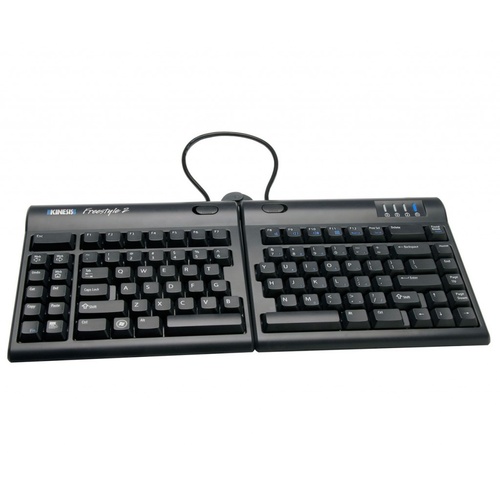
Goldtouch Elite Keyboard - BLACK
Natural Repose
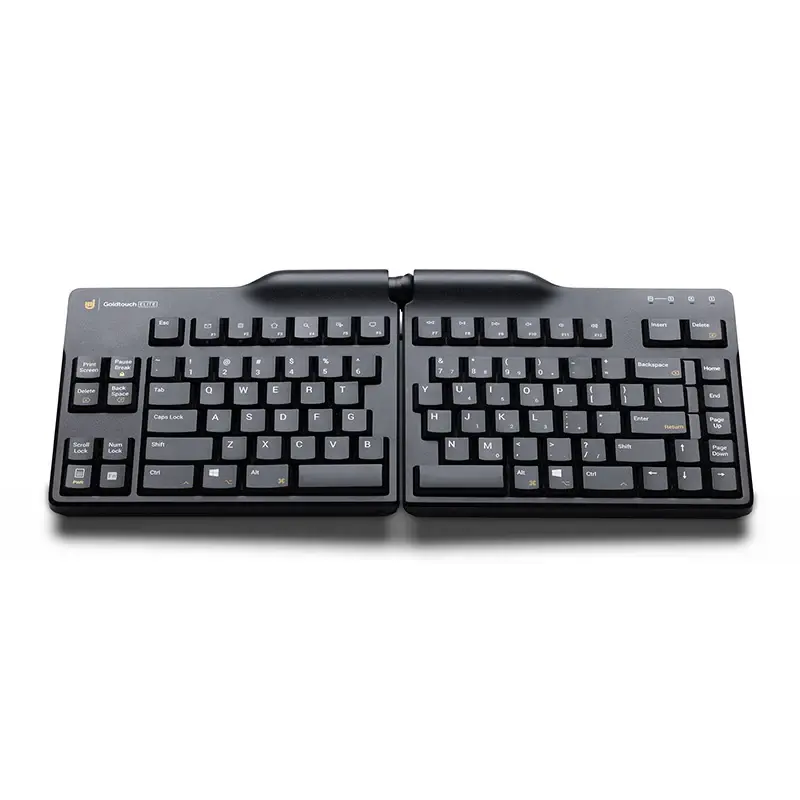
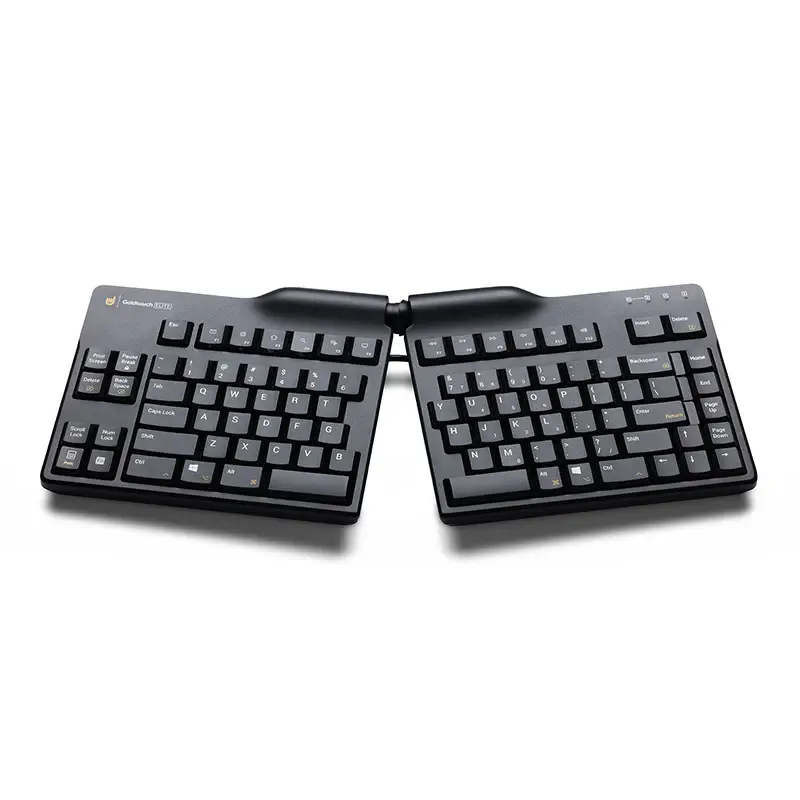
Goldtouch Elite Adjustable Ergonomic Keyboard
Adjustable Split Positioning — Built Around the User
The Goldtouch Elite Adjustable Ergonomic Keyboard allows the keyboard to be configured around the individual rather than requiring the hands and forearms to adapt to one fixed, flat keyboard position.
Its two keyboard sections can be splayed horizontally and tented vertically, allowing the user to progressively adjust the relationship between the hands, wrists and forearms during typing.
Goldtouch’s central locking mechanism allows both planes of adjustment to be changed together, then locked into the preferred working position.
.png)
The Goldtouch Elite Adjustable Ergonomic Keyboard allows the keyboard position to be adapted to the individual rather than requiring the user to adapt their hands and arms to a fixed, flat keyboard.
Its central adjustment mechanism allows the two keyboard sections to be splayed horizontally and tented vertically, providing control over the position of the hands, wrists and forearms during keyboard use.
Horizontal splay can be adjusted from 0–30°, while vertical tenting can be adjusted from 0–60°.
The result is a highly configurable keyboard particularly suited to users who want greater control over wrist, forearm and upper-limb positioning at the workstation.
Why Splay Matters
When the hands are placed on a traditional straight keyboard, the forearms approach the keyboard from opposite angles but the keys remain arranged in a straight line.
This can cause the hands to angle inward at the wrist.
By opening the Goldtouch keyboard horizontally, each keyboard section can more closely follow the direction of its corresponding forearm.
The objective is not maximum splay.
The objective is the appropriate splay for the individual user.
Why Tenting Matters
With a conventional flat keyboard, both palms generally face downward towards the desktop.
The Goldtouch Elite allows the centre of the keyboard to be raised, reducing the amount of rotation required to place the hands flat on the keyboard.
Again, more angle is not necessarily better.
The appropriate tenting angle is the position that allows comfortable, controlled keyboard use while maintaining relaxed shoulders and forearms.
Small adjustments are recommended when first adapting to an adjustable keyboard.
Mouse Reach Matters Too
The Goldtouch Elite does not use a permanently attached right-hand numeric keypad.
This reduces overall keyboard width compared with many conventional full-size keyboards and allows the mouse to be positioned closer to the main typing area.
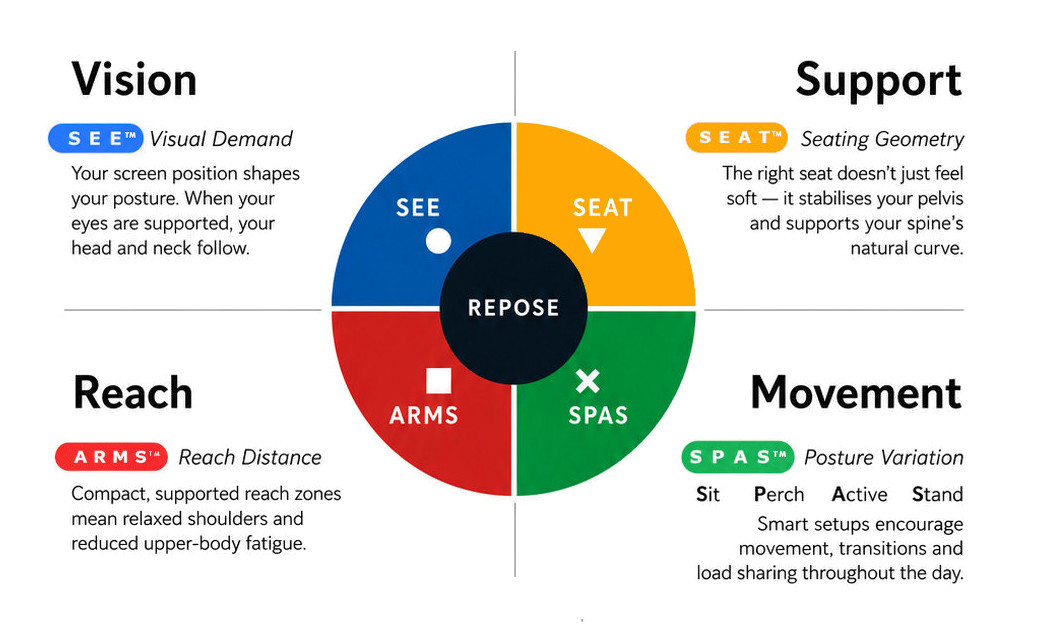
For users who regularly switch between keyboard and mouse, this can help maintain both devices within a more controlled A R M S™ Reach & Interface zone.
For intensive numeric work, the keyboard also provides an embedded numeric keypad function, or a separate numeric keypad can be positioned independently when required.
“Adjust the interface to the person — not the person to the interface.”
Key Features
- adjustable split ergonomic keyboard
- horizontal splay 0–30°
- vertical tenting 0–60°
- patented central locking ball-and-lever mechanism
- improved adjustment handle
- slimmer profile than earlier Goldtouch adjustable keyboards
- half-height laser-printed keys
- PC / Mac selector switch
- Default and Alternate keyboard layouts
- dedicated Copy / Paste options in Alternate mode
- high-grade ABS construction
- wired USB connection
- Goldtouch model GTE-08899
- ergonomicoffice SKU: GTE008899
- compatible with PC and Mac

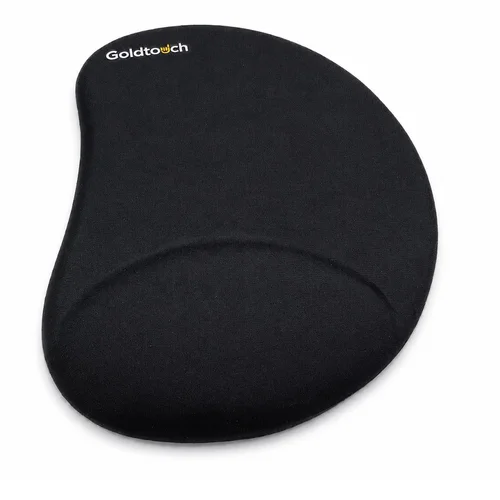
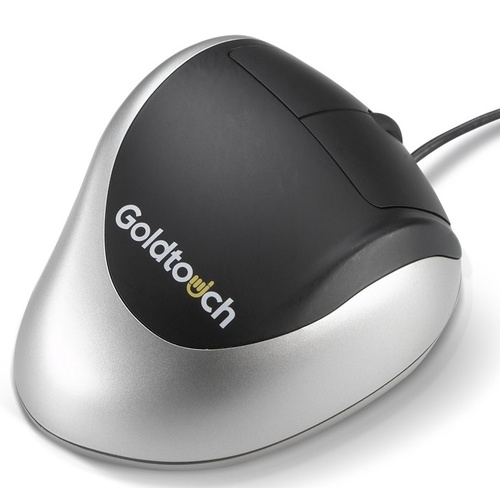
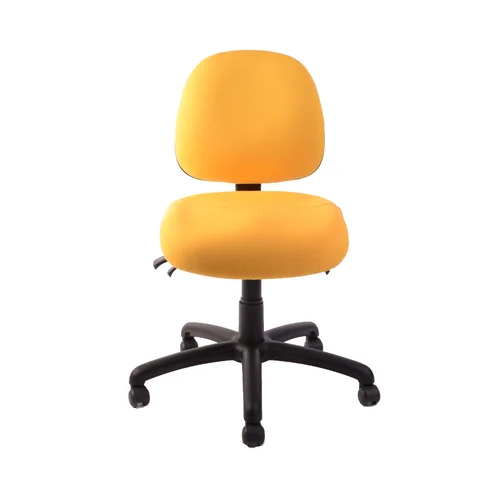
Arm support
Reach
Mouse
Surface
.png)
R E P O S E™ Outcome
The Goldtouch Elite supports Natural R E P O S E™ through individual adjustment rather than one prescribed typing posture.
The keyboard can be progressively splayed and tented until the hands, wrists and forearms settle into a more comfortable working relationship.
Adjust the interface to the person - not the person to the interface.
Specifications
System Requirements:
Goldtouch Elite Adjustable Ergonomic Keyboard is compatible with the following operating systems:
- Windows 2000
- Windows XP
- Windows Vista
- Windows 7
- Windows 8
- Windows 10
- Windows 11
- USB Port Connectivity
- Mac OS X 10.4 and later
Travel Distance: 3.6mm, +/-.5mm
Activation Key Force: 45g-55g (average)
Disclaimers: Do Not Plug your USB Goldtouch Keyboard into the USB Keypad. Your PC will not recognize the device
Goldtouch Elite Keyboard - BLACK

- 0–30° horizontal splay
- 0–60° vertical tenting
- improved central locking handle
- slim half-height key design
- PC / Mac selectable operation
- Default or Alternate key layout
Who Is It For?
Suitable for users who:
- spend substantial periods working at a keyboard
- find conventional straight keyboards restrictive
- want greater control over hand and forearm alignment
- experience excessive inward wrist angling when typing
- prefer a less palm-down hand position
- have broader shoulders or prefer the hands positioned further apart
- require an individually configurable keyboard for office or home work
- want one keyboard that can operate with either PC or Mac
Problem to Solve
A conventional keyboard presents the keys in one straight, flat configuration.
However, shoulder width, forearm direction and preferred hand position vary between individuals.
When both hands are brought together onto a straight keyboard, the wrists may angle inward relative to the forearms. Keeping both hands completely flat can also require greater palm-down forearm rotation than some users find comfortable.
The Goldtouch Elite addresses these two factors independently.
Horizontal splay allows the keyboard sections to open outward so they can more closely follow the natural direction of the forearms.
Vertical tenting raises the centre of the keyboard so the hands do not have to remain completely flat against the desktop.
The objective is not maximum adjustment.
It is to find the appropriate position for the individual user. Goldtouch itself recommends gradual adjustment and setting the keyboard around the user’s natural relaxed hand position.
A R M S™ — Primary
Arm Support · Reach · Mouse · Surface
The Goldtouch Elite is a strong application of A R M S™, because it allows the primary computer interface to be configured around the natural position of the upper limbs.
It may help users:
- align the keyboard more closely with the forearms
- reduce excessive inward wrist deviation
- reduce sustained palm-down forearm positioning
- keep the elbows in a more comfortable relationship with the body
- vary keyboard geometry to suit the individual
- maintain better control of the primary typing interface
- position a separate numeric keypad independently when required
Rather than positioning the body around a fixed keyboard, A R M S™ positions the interface around the user.
Goldtouch Elite Adjustable Ergonomic Keyboard
Adjustable Split Positioning — Built Around the User
The Goldtouch Elite Adjustable Ergonomic Keyboard allows the keyboard to be configured around the individual rather than requiring the hands and forearms to adapt to one fixed, flat keyboard position.
Its two keyboard sections can be splayed horizontally and tented vertically, allowing the user to progressively adjust the relationship between the hands, wrists and forearms during typing.
Goldtouch’s central locking mechanism allows both planes of adjustment to be changed together, then locked into the preferred working position.
The Goldtouch Elite Adjustable Ergonomic Keyboard allows the keyboard position to be adapted to the individual rather than requiring the user to adapt their hands and arms to a fixed, flat keyboard.
Its central adjustment mechanism allows the two keyboard sections to be splayed horizontally and tented vertically, providing control over the position of the hands, wrists and forearms during keyboard use.
Horizontal splay can be adjusted from 0–30°, while vertical tenting can be adjusted from 0–60°.
The result is a highly configurable keyboard particularly suited to users who want greater control over wrist, forearm and upper-limb positioning at the workstation.
Why Splay Matters
When the hands are placed on a traditional straight keyboard, the forearms approach the keyboard from opposite angles but the keys remain arranged in a straight line.
This can cause the hands to angle inward at the wrist.
By opening the Goldtouch keyboard horizontally, each keyboard section can more closely follow the direction of its corresponding forearm.
The objective is not maximum splay.
The objective is the appropriate splay for the individual user.
Why Tenting Matters
With a conventional flat keyboard, both palms generally face downward towards the desktop.
The Goldtouch Elite allows the centre of the keyboard to be raised, reducing the amount of rotation required to place the hands flat on the keyboard.
Again, more angle is not necessarily better.
The appropriate tenting angle is the position that allows comfortable, controlled keyboard use while maintaining relaxed shoulders and forearms.
Small adjustments are recommended when first adapting to an adjustable keyboard.
Mouse Reach Matters Too
The Goldtouch Elite does not use a permanently attached right-hand numeric keypad.
This reduces overall keyboard width compared with many conventional full-size keyboards and allows the mouse to be positioned closer to the main typing area.
For users who regularly switch between keyboard and mouse, this can help maintain both devices within a more controlled A R M S™ Reach & Interface zone.
For intensive numeric work, the keyboard also provides an embedded numeric keypad function, or a separate numeric keypad can be positioned independently when required.
“Adjust the interface to the person — not the person to the interface.”
Key Features
- adjustable split ergonomic keyboard
- horizontal splay 0–30°
- vertical tenting 0–60°
- patented central locking ball-and-lever mechanism
- improved adjustment handle
- slimmer profile than earlier Goldtouch adjustable keyboards
- half-height laser-printed keys
- PC / Mac selector switch
- Default and Alternate keyboard layouts
- dedicated Copy / Paste options in Alternate mode
- high-grade ABS construction
- wired USB connection
- Goldtouch model GTE-08899
- ergonomicoffice SKU: GTE008899
- compatible with PC and Mac
Arm support
Reach
Mouse
Surface
R E P O S E™ Outcome
The Goldtouch Elite supports Natural R E P O S E™ through individual adjustment rather than one prescribed typing posture.
The keyboard can be progressively splayed and tented until the hands, wrists and forearms settle into a more comfortable working relationship.
Adjust the interface to the person - not the person to the interface.
Specifications
System Requirements:
Goldtouch Elite Adjustable Ergonomic Keyboard is compatible with the following operating systems:
- Windows 2000
- Windows XP
- Windows Vista
- Windows 7
- Windows 8
- Windows 10
- Windows 11
- USB Port Connectivity
- Mac OS X 10.4 and later
Travel Distance: 3.6mm, +/-.5mm
Activation Key Force: 45g-55g (average)
Disclaimers: Do Not Plug your USB Goldtouch Keyboard into the USB Keypad. Your PC will not recognize the device