Rockstick 2 Vertical Mouse
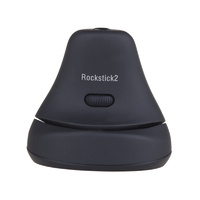
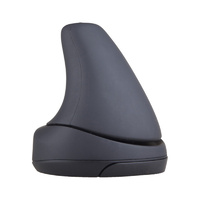
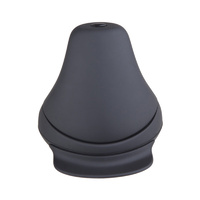
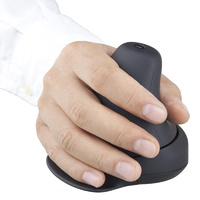
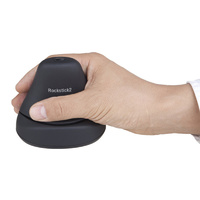
Rockstick 2 Vertical Mouse
Vertical Hand Position with Rocking Click Control
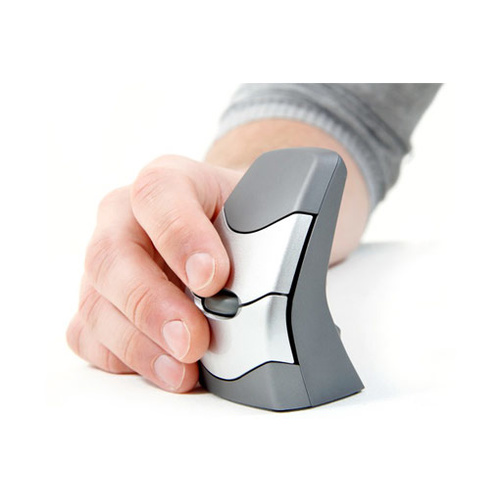
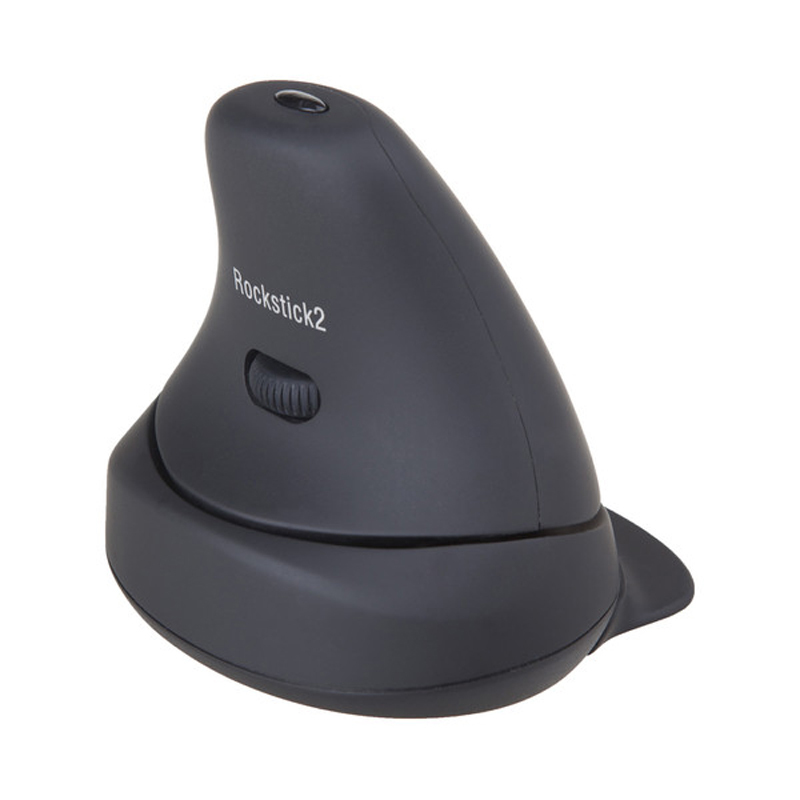
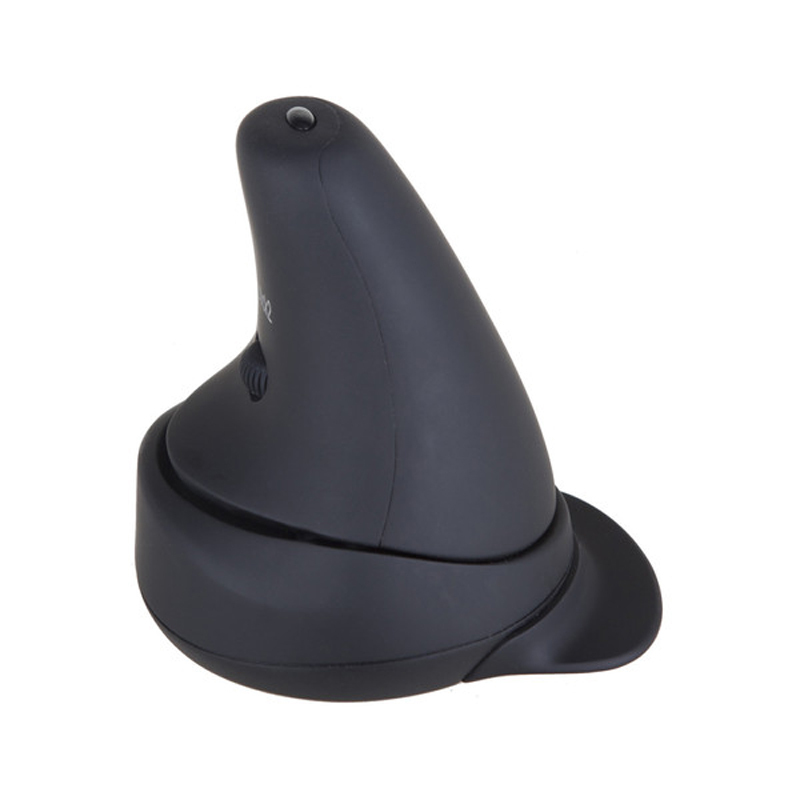
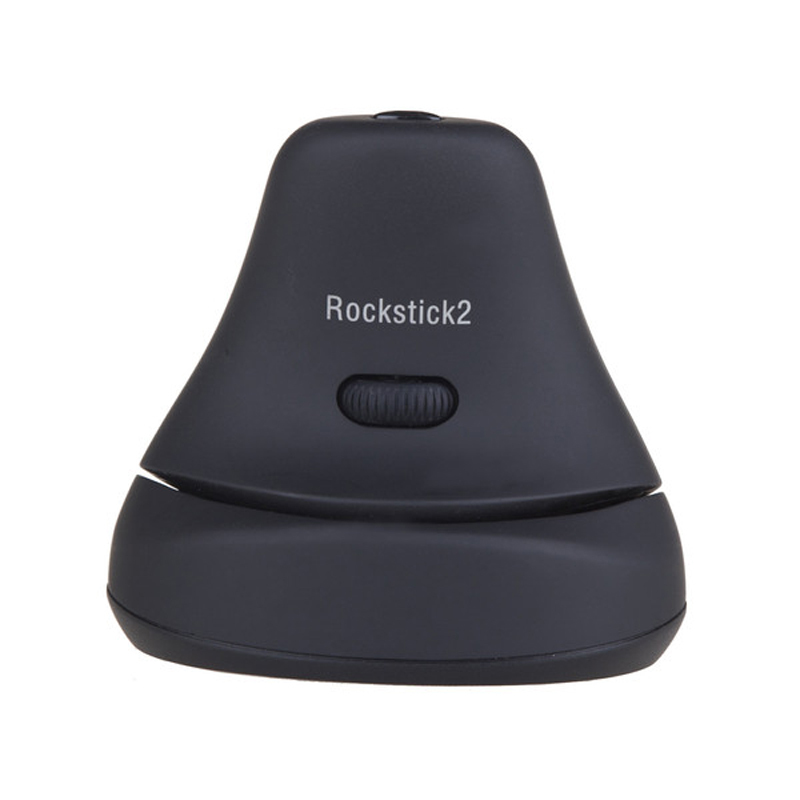
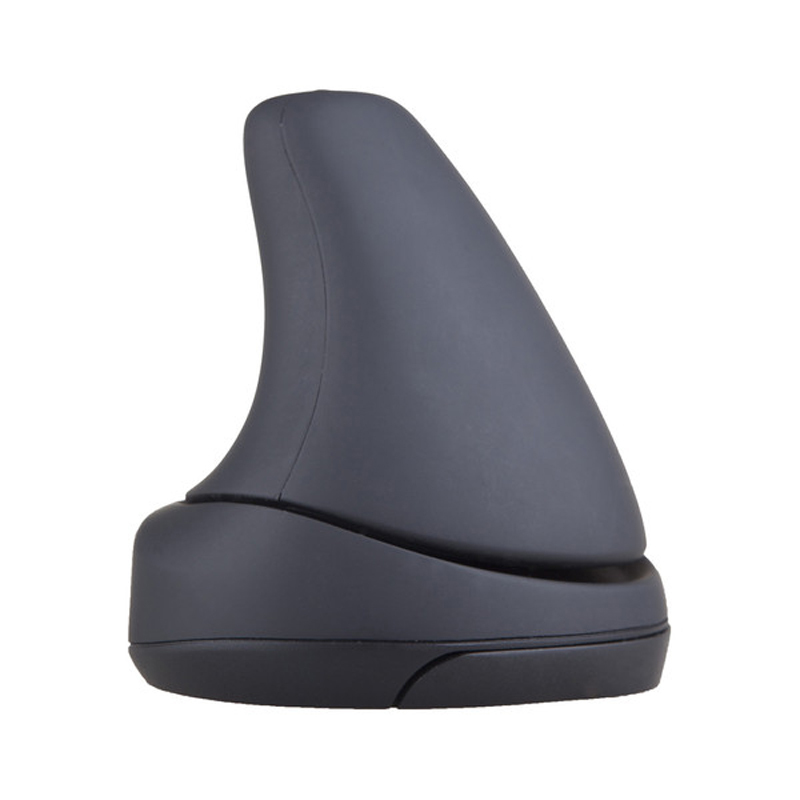
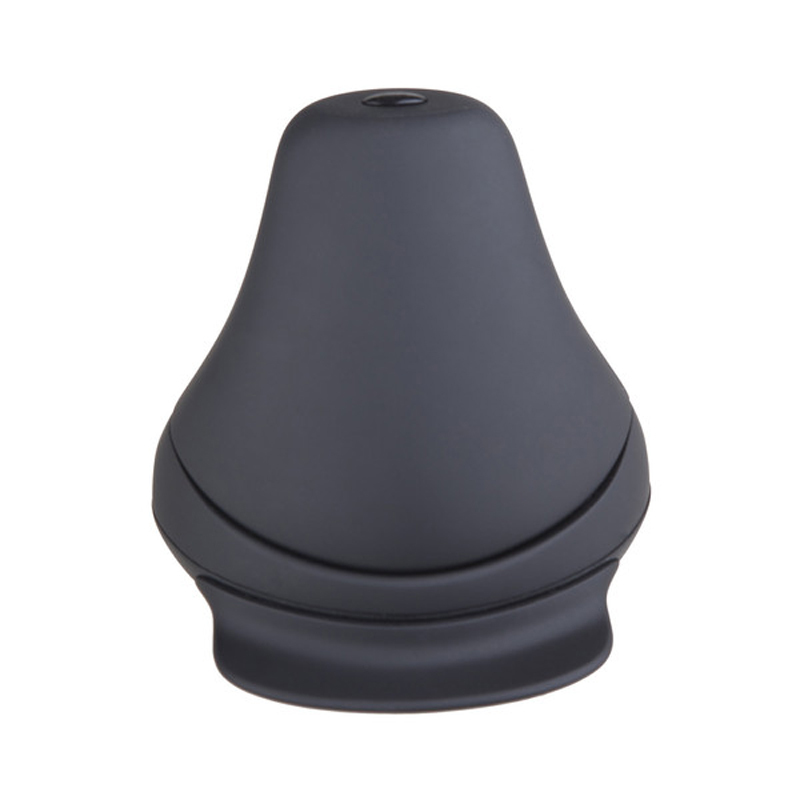
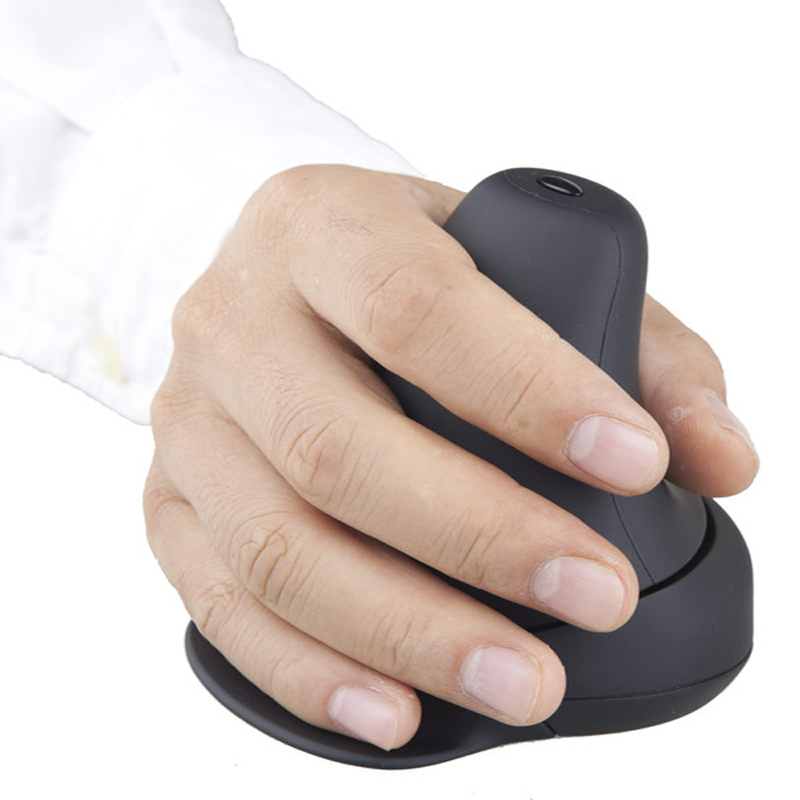
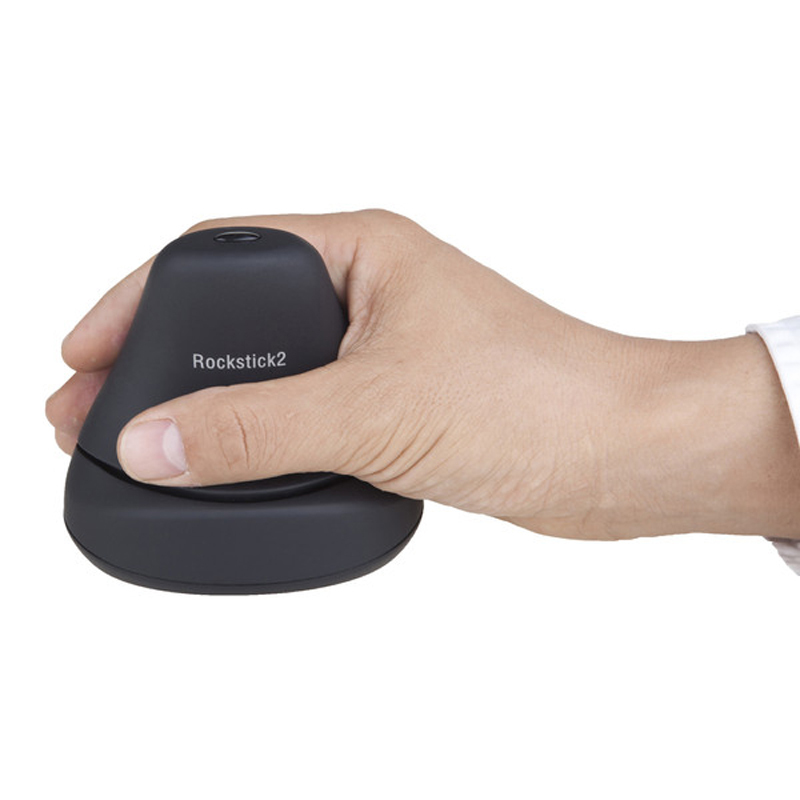
The Rockstick 2 Vertical Mouse combines an upright hand position with a distinctive rocking click action, allowing the hand to remain supported while left- and right-click functions are activated through small side-to-side movements.
Its vertical shape is designed to reduce sustained palm-down forearm positioning while keeping cursor control familiar and precise.
The RockStick Mouse is an ambidextrous device that has been designed to use the entire hand to click, rather than just the fingers.
This reduces the strain you place on your fingers, wrists and forearm when continually forcing your wrist into a downward and unnatural position with a standard computer mouse.
Making small motions, you click from the hand and arm instead of with the fingers.
This reduces muscle and/or strain issues.
You place the mouse in your hand at a natural angle of 70 degrees.
The Rockstick 2 is suitable for left-handed as well as right-handed users.
Key Features
- right-handed vertical ergonomic design
- patented rocking left/right click mechanism
- optical tracking
- adjustable cursor speed
- scroll wheel
- supportive contoured body
- wired USB connection
- plug-and-play operation
- suitable for sustained office mouse use
.png)
Arm support
Reach
Mouse
Surface
.png)
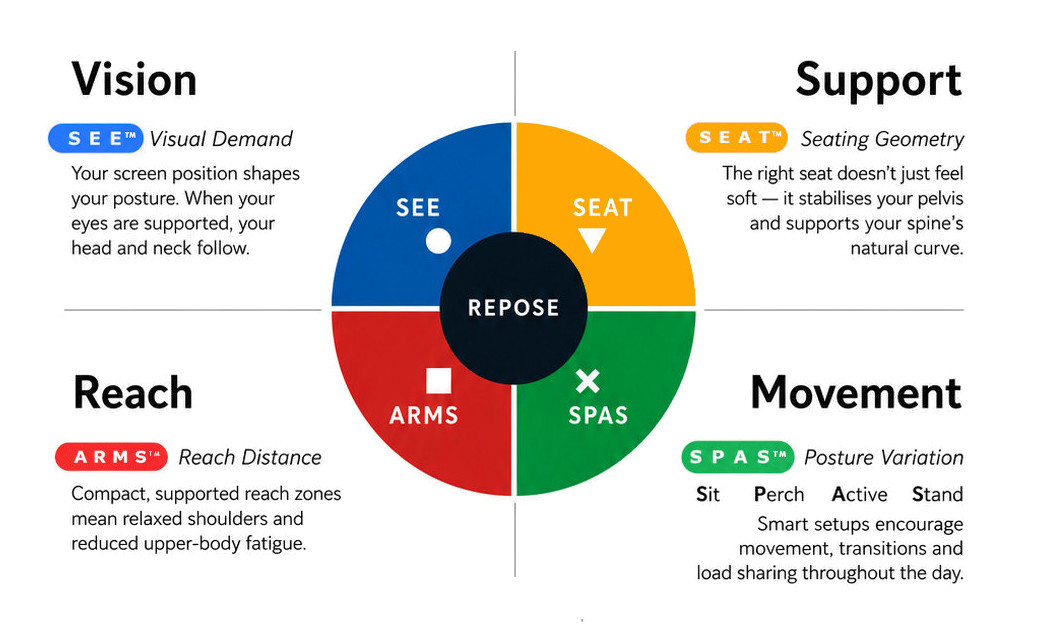
What this means for you when the 4 elements are aligned
| Corrected screen alignment → reduced neck strain |  - S E E™ - S E E™ |
| Better pelvic support → less lower back fatigue |  - S E A T™ - S E A T™ |
| Arm positioning → reduced shoulder load |  - A R M S™ - A R M S™ |
| Movement support → reduces static load |  - S P A S™ - S P A S™ |
R E P O S E™ Outcome
The Rockstick 2 supports Natural R E P O S E™ through upright hand positioning, reduced repetitive finger action and supported mouse control.
Hold upright. Rock to click. Reduce repetitive finger work.
- Ambidextrous Mousing
- distinctive rocking click mechanism
- reduces reliance on repetitive finger clicking
- adjustable cursor speed
- Comfortable Vertical Design
- Eliminates Finger Clicking
- Adjustable DPI Settings (400, 800, 1400, 2000)
- Pair-and-Play Wireless Technology
- Compatable with Windows, MacOS and Linux
Warranty Period: 12 Months
Rockstick 2 Vertical Mouse

- Ambidextrous Mousing
- Comfortable Vertical Design
- Eliminates Finger Clicking
- 4 Adjustable DPI Settings
- Pair-and-Play Wireless Technology
Who Is It For?
Suitable for users who:
- want a more upright hand and forearm position
- find conventional flat mice uncomfortable
- undertake frequent mouse-based work
- experience fatigue from repetitive finger clicking
- prefer a supported full-hand mouse
- want an alternative clicking method to conventional mouse buttons
Problem to Solve
Traditional mice generally require two repetitive actions: the forearm remains largely palm-down while the index and middle fingers repeatedly operate the mouse buttons.
The Rockstick 2 addresses both.
Its vertical body supports the hand in a more upright position, while the patented rocking action allows left and right clicks to be activated by gently rocking the hand, reducing dependence on repetitive finger pressing.
A R M S™ — Primary
Arm Support · Reach · Mouse · Surface
The Rockstick 2 supports A R M S™ by helping users:
- reduce sustained palm-down forearm positioning
- support the hand in a more upright orientation
- reduce repetitive finger-click activity
- use small hand movements to activate mouse clicks
- maintain cursor control within a comfortable working reach zone
- reduce unnecessary gripping of the mouse
Rockstick 2 Vertical Mouse
Vertical Hand Position with Rocking Click Control
The Rockstick 2 Vertical Mouse combines an upright hand position with a distinctive rocking click action, allowing the hand to remain supported while left- and right-click functions are activated through small side-to-side movements.
Its vertical shape is designed to reduce sustained palm-down forearm positioning while keeping cursor control familiar and precise.
The RockStick Mouse is an ambidextrous device that has been designed to use the entire hand to click, rather than just the fingers.
This reduces the strain you place on your fingers, wrists and forearm when continually forcing your wrist into a downward and unnatural position with a standard computer mouse.
Making small motions, you click from the hand and arm instead of with the fingers.
This reduces muscle and/or strain issues.
You place the mouse in your hand at a natural angle of 70 degrees.
The Rockstick 2 is suitable for left-handed as well as right-handed users.
Key Features
- right-handed vertical ergonomic design
- patented rocking left/right click mechanism
- optical tracking
- adjustable cursor speed
- scroll wheel
- supportive contoured body
- wired USB connection
- plug-and-play operation
- suitable for sustained office mouse use
Arm support
Reach
Mouse
Surface
What this means for you when the 4 elements are aligned
| Corrected screen alignment → reduced neck strain | - S E E™ |
| Better pelvic support → less lower back fatigue | - S E A T™ |
| Arm positioning → reduced shoulder load | - A R M S™ |
| Movement support → reduces static load | - S P A S™ |
R E P O S E™ Outcome
The Rockstick 2 supports Natural R E P O S E™ through upright hand positioning, reduced repetitive finger action and supported mouse control.
Hold upright. Rock to click. Reduce repetitive finger work.
- Ambidextrous Mousing
- distinctive rocking click mechanism
- reduces reliance on repetitive finger clicking
- adjustable cursor speed
- Comfortable Vertical Design
- Eliminates Finger Clicking
- Adjustable DPI Settings (400, 800, 1400, 2000)
- Pair-and-Play Wireless Technology
- Compatable with Windows, MacOS and Linux
Warranty Period: 12 Months